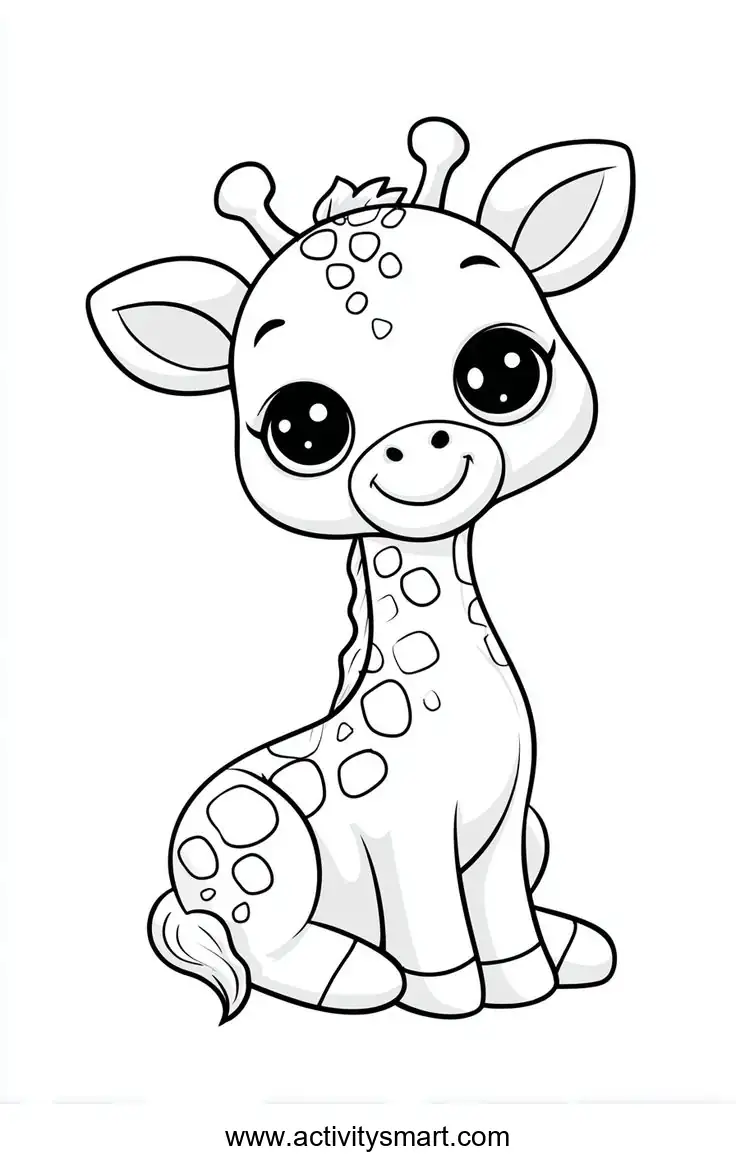
A little giraffe with a big smile
Download this sitting baby giraffe coloring page featuring a smiling cartoon giraffe with large eyes, a long neck and outlined patches. Print the original picture and explore five creative ideas for colors, patterns and storytelling.
More Coloring Pages
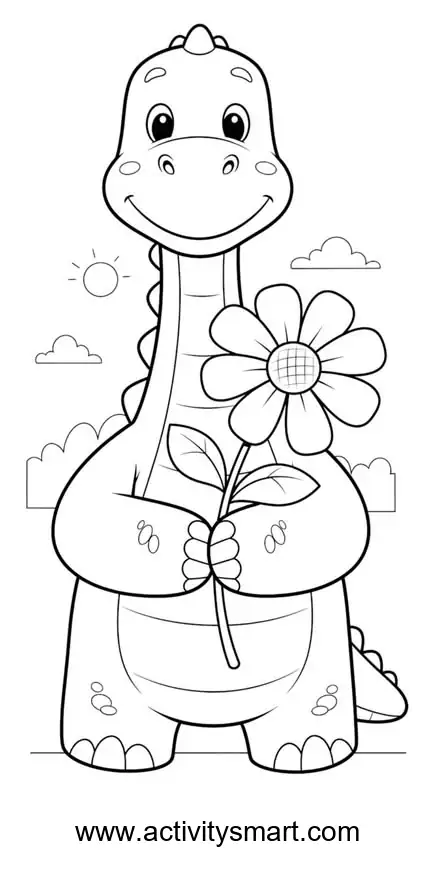
Dinosaur Holding a Flower Coloring Page
A smiling long-necked dinosaur holds a large flower. Open the printable image and try a picture-specific coloring activity.
View printable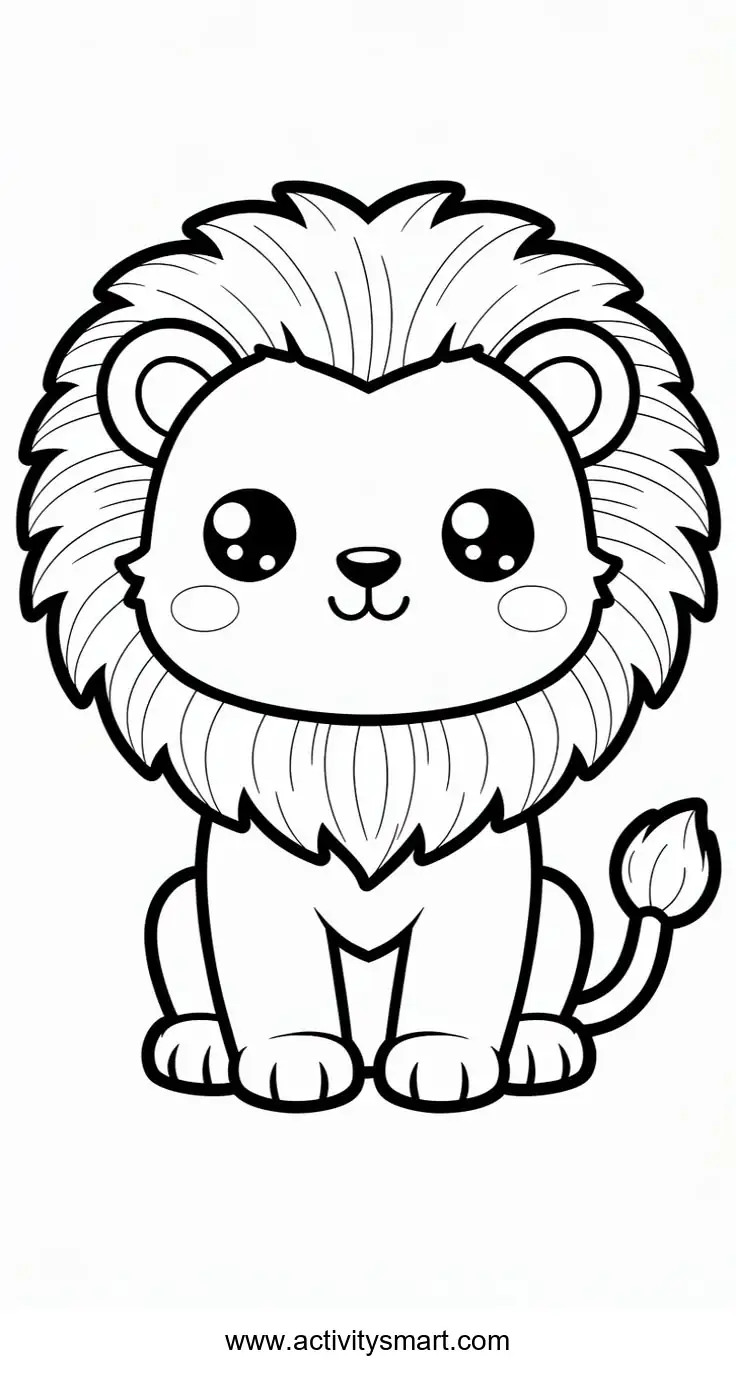
Round-Maned Lion Cub Coloring Page
A lion cub sits inside a large rounded mane. Open the printable image and try a picture-specific coloring…
View printable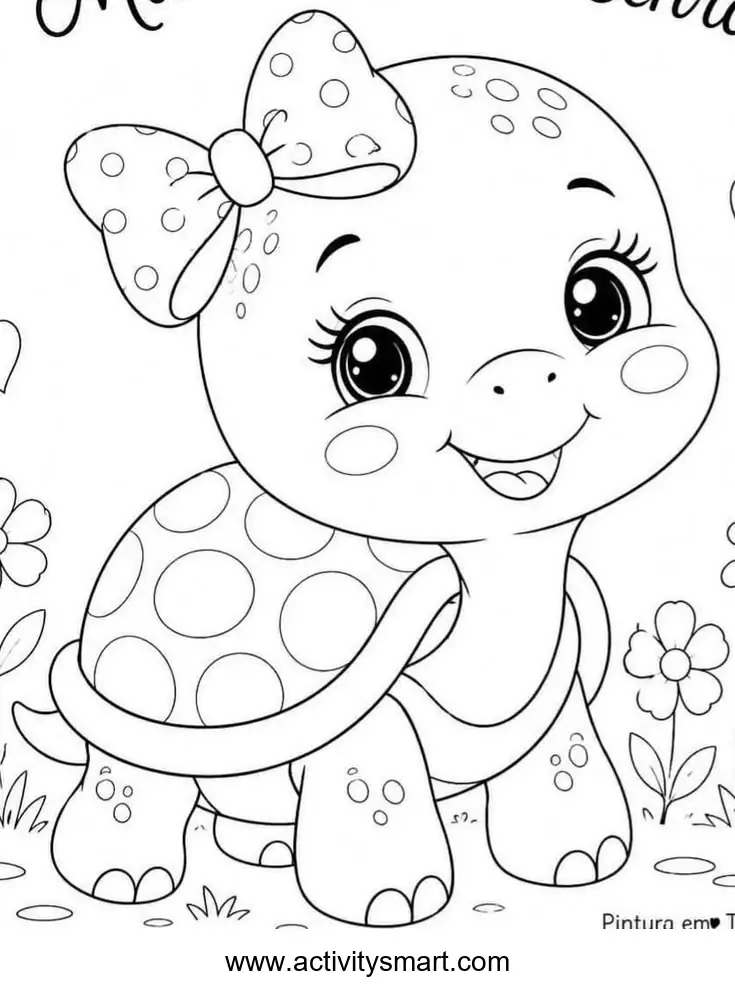
Turtle with a Bow Coloring Page
A smiling turtle wears a large bow beside flowers. Open the printable image and try a picture-specific coloring…
View printable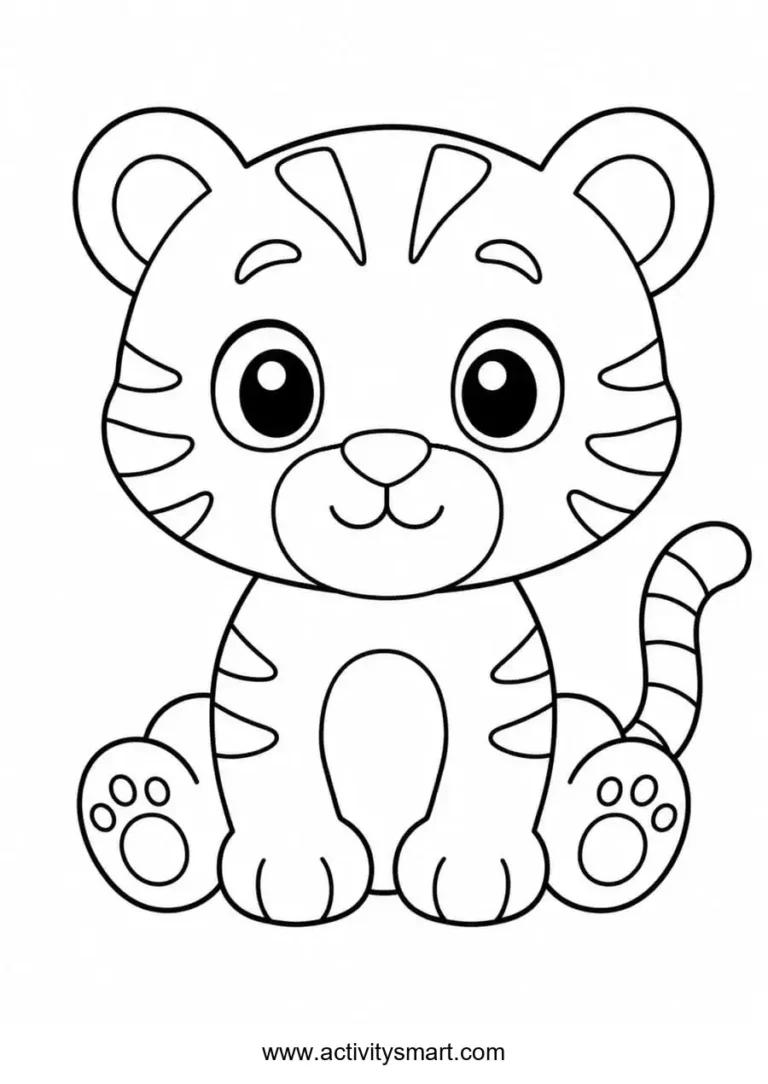
Sitting Tiger Cub Coloring Page
A round-faced tiger cub sits with bold stripes and a small smile. Open the printable image and try…
View printable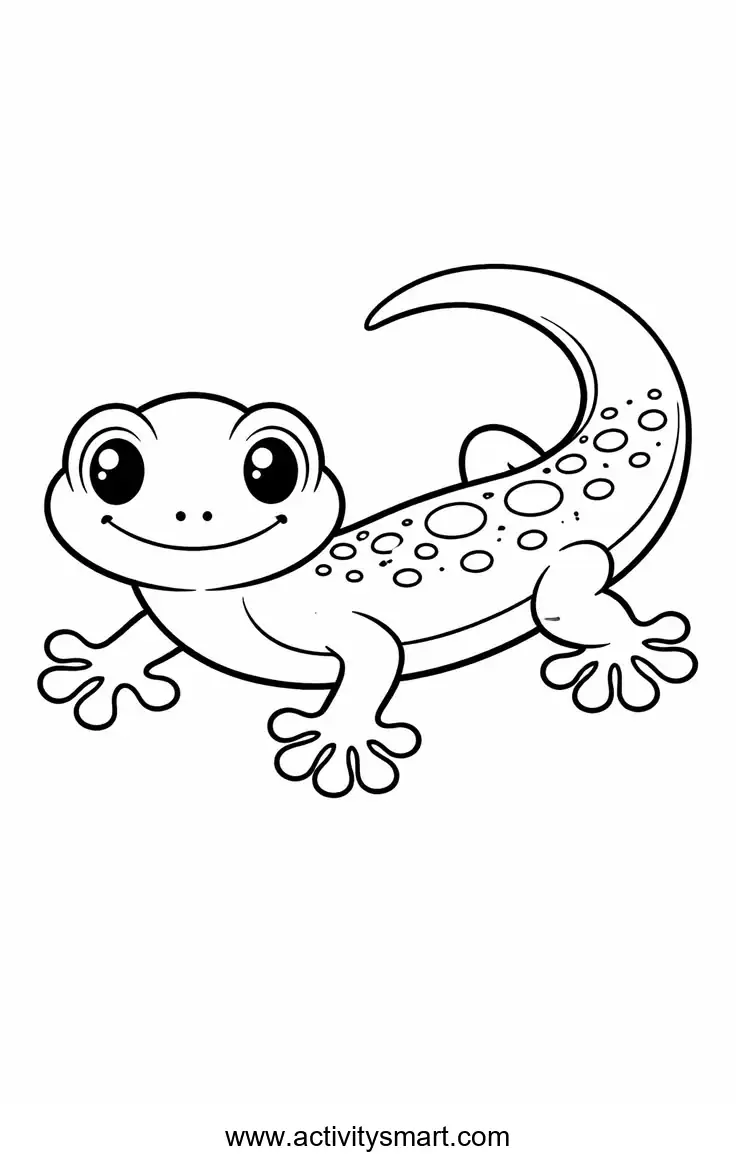
Spotted Gecko Coloring Page
A small spotted gecko has splayed toes and a curved tail. Open the printable image and try a…
View printable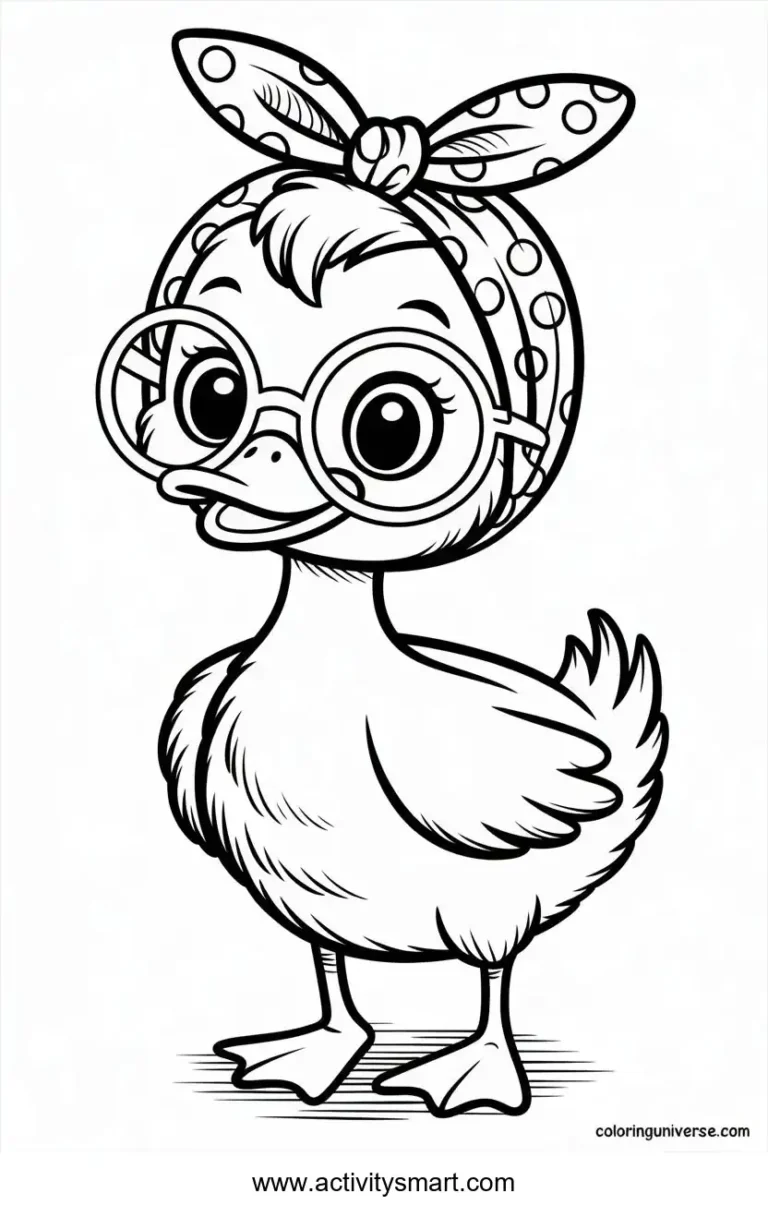
Duck with Glasses and a Head Scarf Coloring Page
A duck wears round glasses and a tied head scarf. Open the printable image and try a picture-specific…
View printable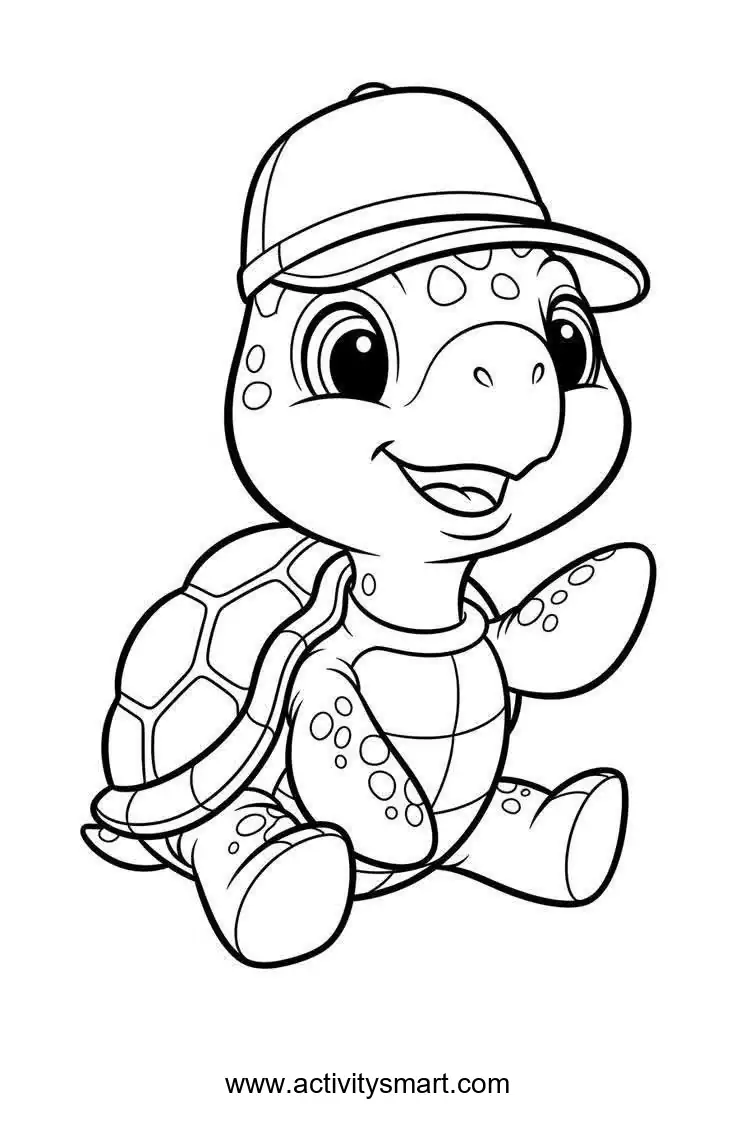
Turtle in a Cap Coloring Page
A smiling turtle wears a baseball cap and raises one front leg. Open the printable image and try…
View printable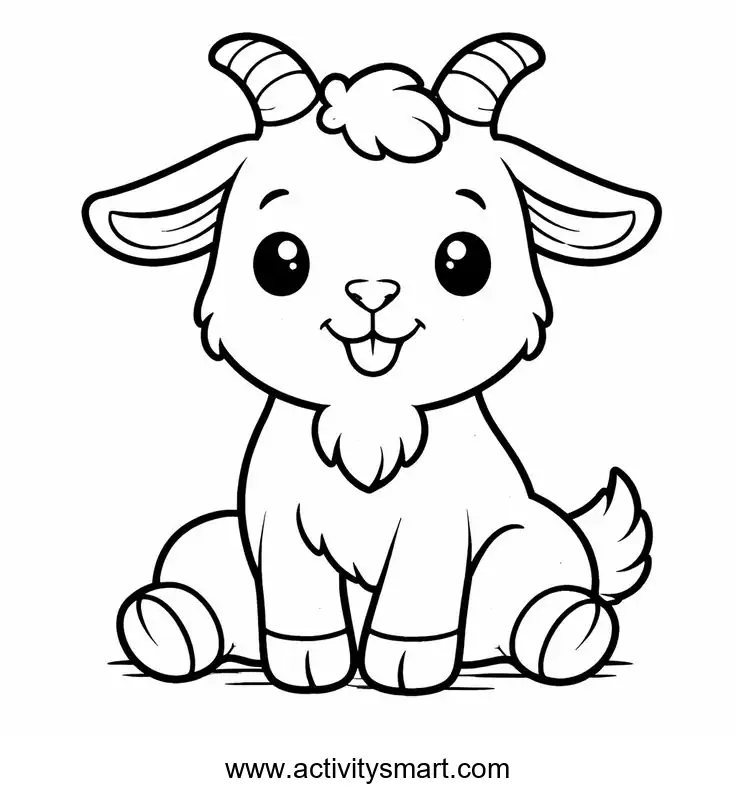
Baby Goat with a Bow Coloring Page
A seated baby goat has small horns, floppy ears and a bow. Open the printable image and try…
View printableWhat is on this sitting baby giraffe coloring page?
A single cartoon baby giraffe sits against a mostly white background. Its head tilts slightly, with large dark eyes, broad ears and a smiling muzzle. Two rounded horn-like projections and a small tuft of hair appear at the top of its head. Outlined patches continue from the forehead down the long neck and onto the body.
The front legs extend toward the ground, while the folded hind legs give the character its seated pose. A tufted tail curves around the lower left side. Pale gray shading is already present in parts of the ears, face, body and feet. The website name appears beneath the drawing and remains part of the original image.
Invite your child to look at the giraffe before opening the pencil box. Ask which detail they noticed first: the smile, ears, patches or long neck. They can choose that area as a starting point. Coloring only the face or a few patches can be a satisfying activity on its own.
Five creative ways to color your baby giraffe
1. Start with a warm body and darker patches
Try a light yellow or golden body with brown patches for a familiar giraffe-inspired palette. Color the patches first, then work gently around them with the lighter shade. This makes it easier to see the separate shapes without covering their outlines.
Test both colors on spare paper before filling the neck. Light pressure lets your child add another layer later if they want a stronger shade. Leave the muzzle lighter or choose a soft cream color so the smile remains easy to see. These are suggestions rather than a required finished appearance.
2. Invent a playful patch palette
For a fantasy version, choose two unexpected colors such as lavender and blue or peach and pink. Your child can repeat one color across every patch or alternate between two shades. The cartoon offers room for imaginative choices without needing to match a real animal.
Begin with a small group of patches along the neck. Decide whether the same pattern should continue onto the folded hind leg. Compare a single-color group with an alternating group and ask which your child enjoys more. Both can remain in the same picture if they prefer.
3. Explore the ears, hair and tail
Give the inner ears a gentle shade that differs from the outer edges. Use a darker pencil for the small hair tuft and the tuft at the end of the tail, or repeat a patch color to connect those details. Short strokes can suggest strands of hair.
The picture already contains pale gray shading. Your child can color lightly over it, leave it visible or work around it. Keep the bright areas within the dark eyes uncovered if they want to preserve the original expression. A colored pencil helps with these narrow spaces.
4. Compare shapes and count a small group
Look at the outlined patches together. Some are rounded, while others have flatter sides or uneven edges. Ask your child to find a large patch and a smaller one. Pointing is enough; there is no need to give every shape a formal name.
Choose a few visible patches on one part of the neck and touch each once while counting. Then compare the broad ears with the narrow neck or follow the curved tail with a finger held just above the paper. Return to coloring whenever your child is ready.
5. Give the giraffe a name and a setting
The open background leaves room for an optional invented setting. Your child might add a small grassy patch, a simple sun or a few flowers. Explain that these are new details they are adding; they are not already part of the original drawing.
Ask why the giraffe might be sitting down and what could happen next. Perhaps it is listening to a story, meeting a friend or choosing a name for a flower. Let your child invent the answer and give the character a name.
An adult can write a short dictated caption on a separate sheet. Display it beside the finished picture or keep both in an activity folder. Leave the website name at the bottom of the original image visible when adding background details.
Try a two-pencil start: offer one light body color and one darker patch color. Add more choices when your child wants to explore the smaller details.
How to save and print the baby giraffe picture
- Select Download Coloring Image to access the original WebP file. If it opens in your browser, use its save-image option.
- Select Print Coloring Page to use the site’s image-printing tool. If it is unavailable, open the full-size image and print from your browser.
- Choose portrait orientation and A4 or US Letter paper. Select fit-to-page scaling to preserve the original proportions.
- Check that the top of the giraffe’s head, tail, feet and website name remain visible in the preview before printing.
The original image measures 736 × 1174 pixels. It is narrower than standard A4 or US Letter paper, so side margins are expected. Avoid stretching it sideways to fill the sheet. A smaller print may retain clearer outlines than a heavily enlarged one.
Crayons work well for broader body areas, while colored pencils offer control around patches, ears and the tail. Test markers on spare paper and place a protective sheet underneath. Choose paper supported by your printer, and print one test copy before preparing several sheets.
For another friendly animal scene, try the farm animals by a barn coloring page. Compare its group of characters with this single giraffe, or browse the coloring pages collection to find a different subject.
Questions about this baby giraffe coloring page
What appears in the baby giraffe picture?
The illustration shows one smiling baby giraffe in a seated pose, with large eyes, broad ears, a long neck, outlined patches and a tufted tail. The background is mostly white.
What file does Download Coloring Image provide?
It provides the original WebP image measuring 736 × 1174 pixels. This image download is not a PDF.
Why are there side margins when I print the giraffe?
The original image is narrower than A4 or US Letter paper. Preserve its proportions and accept the side margins instead of stretching or cropping the picture.
Which colors can I use for the giraffe’s patches?
Try brown patches with a light yellow body, or choose imaginative colors such as purple, blue or pink. Use one patch color or alternate between two shades.
Can my child add a background?
Yes. Your child can add invented details such as grass, flowers or a sun in the open space. Keep the website name beneath the giraffe visible.