Lion Cub in a Meadow: choose your colors
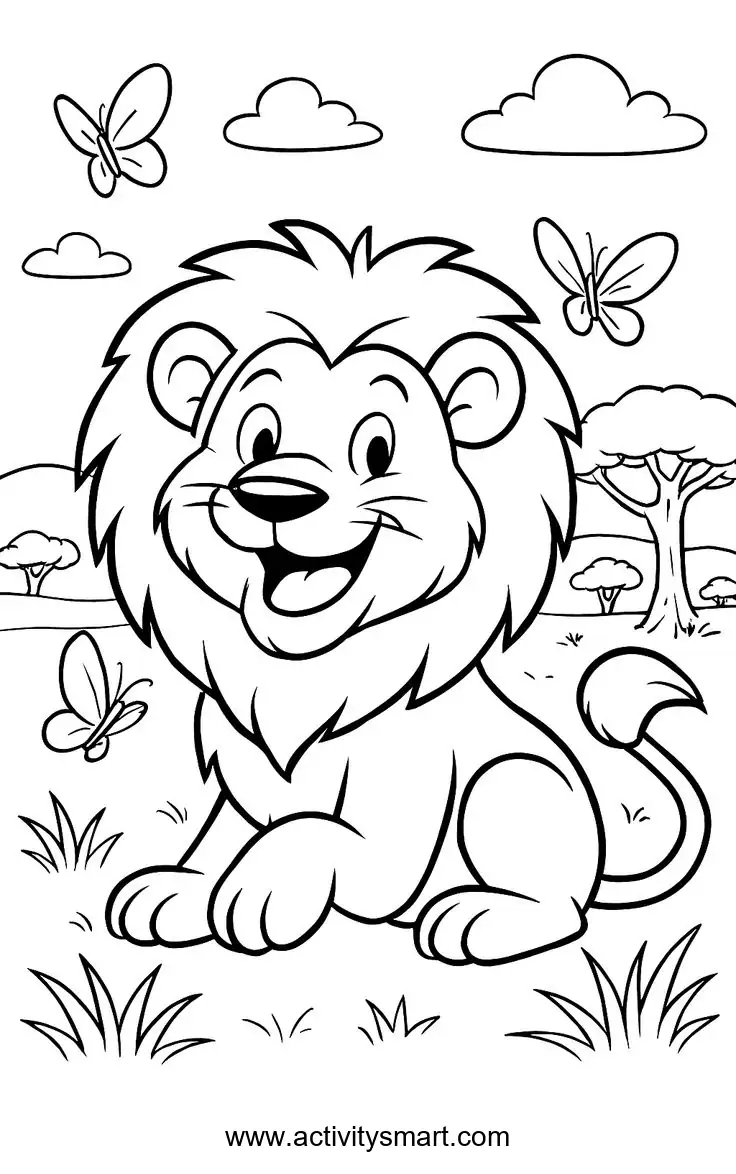
This lion cub in a meadow coloring page offers the original black-and-white picture to save or print. Explore the details, choose colors and try the activities below at your own pace.
More Coloring Pages
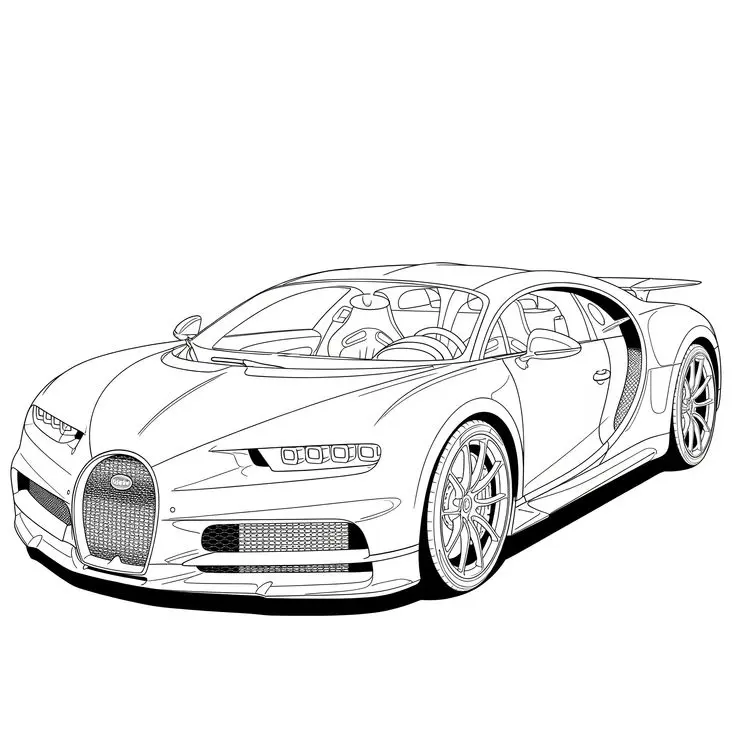
Bugatti Sports Car Coloring Page
Explore a detailed Bugatti sports car coloring page featuring a horseshoe grille, intricate wheels, visible cabin details, and…
View printable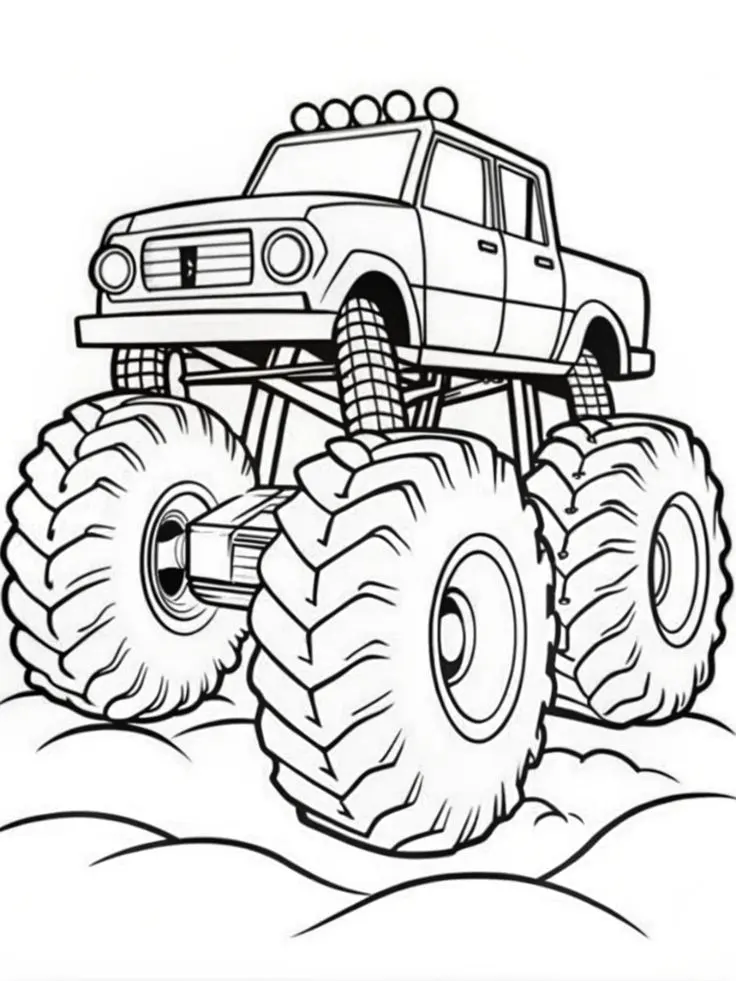
Monster Pickup Truck on Bumpy Ground Coloring Page
Color a towering monster pickup truck with giant treaded tires, exposed suspension, five roof lights, and rounded bumps…
View printable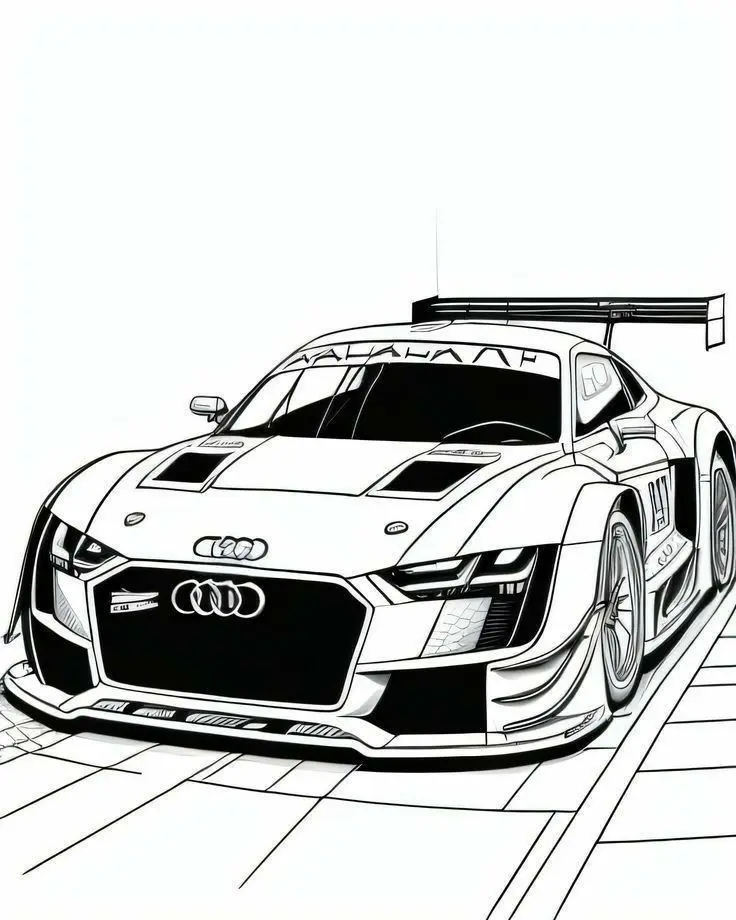
Audi Race Car with Rear Wing Coloring Page
Bring an Audi race car illustration to life with color. Explore its large rear wing, broad front grille,…
View printable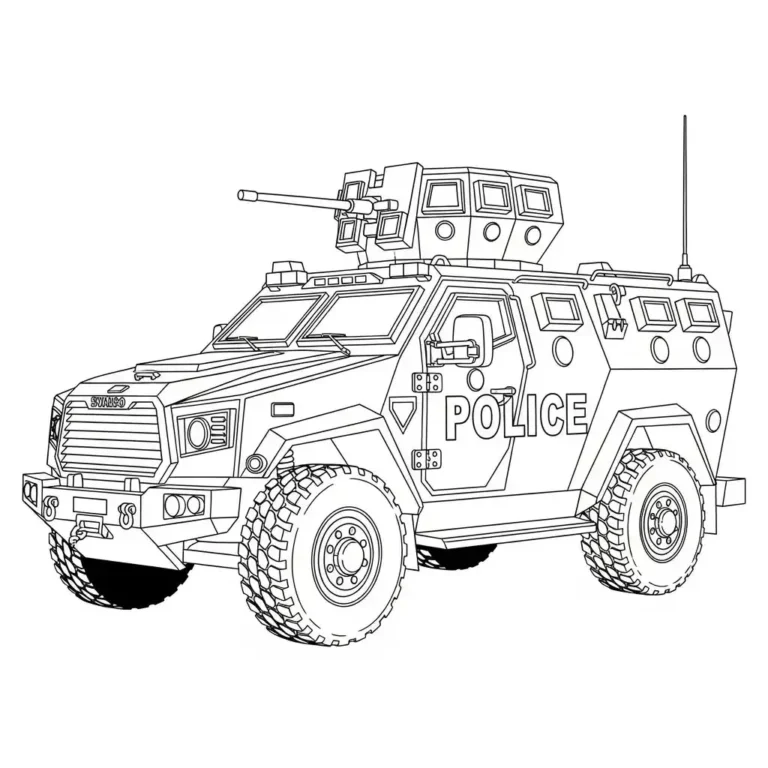
Armored Police Truck Coloring Page
Color a detailed armored police truck with large treaded tires, reinforced windows, a roof-mounted turret, and bold POLICE…
View printable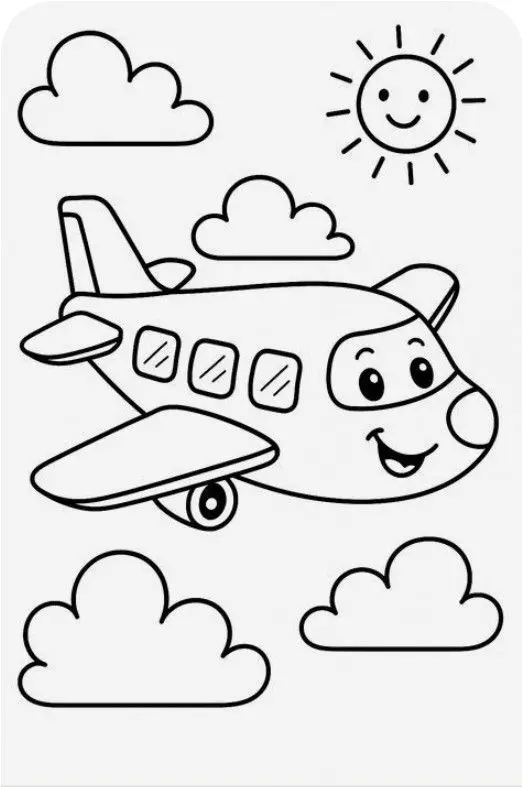
Smiling Airplane with Clouds and Sun Coloring Page
Color a cheerful cartoon airplane flying among four fluffy clouds beneath a smiling sun. Bold outlines and spacious…
View printable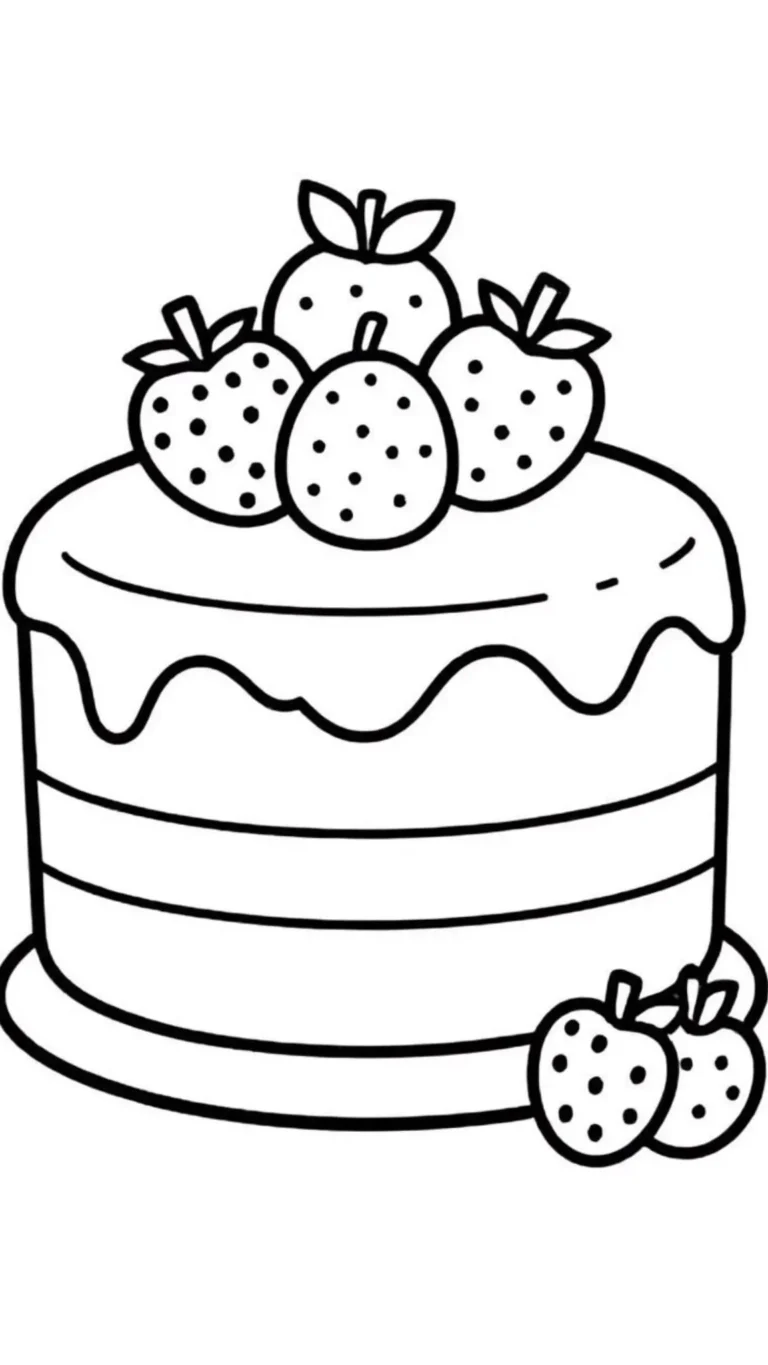
Strawberry Layer Cake Coloring Page
Decorate a strawberry layer cake with your own colors. Thick outlines define the dripping icing, horizontal layers, berry…
View printable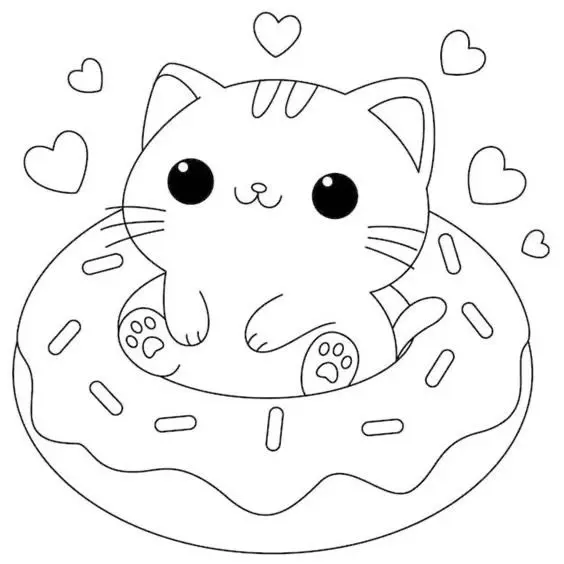
Cute Kitten in a Donut Coloring Page
Color a wide-eyed kitten sitting inside a large iced donut. Sprinkles, tiny paw pads, whiskers, and floating hearts…
View printable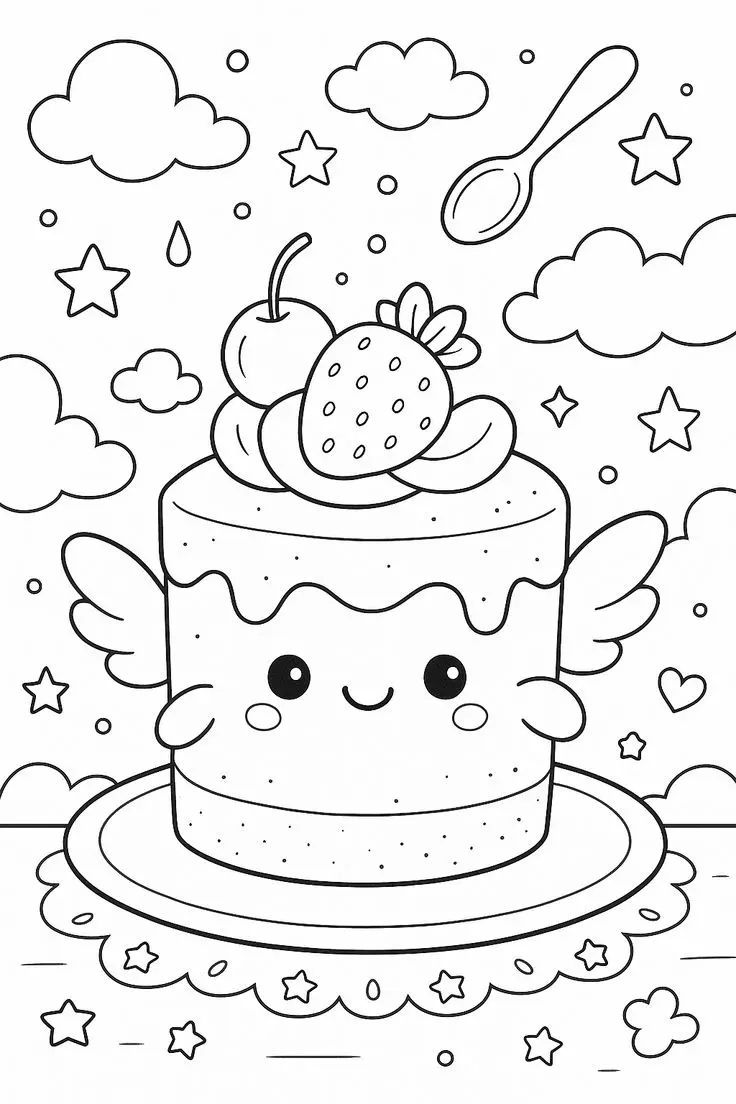
Winged Strawberry Cake Coloring Page
Explore a whimsical cake coloring page with little wings, a smiling face, strawberry and cherry toppings, floating clouds,…
View printableExplore the lion cub in a meadow coloring page
A seated lion character has a full outlined mane, rounded ears and a curled tail. Grass surrounds its feet; butterflies, clouds and distant trees appear around it. Look closely at the picture: the visible scene has no drawn sun or flowers. The site name is printed at the bottom.
Take a moment to look at the entire illustration before choosing a tool. Ask which shape catches your eye first and where you would like to start. The picture can be enjoyed in small stages: there is no need to color every area in one sitting. Leave the printed names and any source markings visible.
Look at how the outlines divide the character into different spaces. Some are broad enough for a crayon, while others need a more careful pencil stroke. A light first layer allows the black drawing to remain visible, and a stronger second layer can be added where a deeper shade is wanted.
Four ideas for this picture
1. Choose a color palette
Choose a golden or sandy shade for the lion and a deeper color for its mane. Greens can distinguish the grass from the distant trees, while the butterflies can carry bright accents. A purple mane or blue lion is also welcome for this cartoon.
Try the colors on a spare piece of paper before filling the drawing. Place the selected crayons or pencils beside the print and compare light and dark shades. A limited palette can create a coordinated picture, while a larger selection gives each detail its own appearance.
2. Look closely at shapes
Find the butterflies and count them by pointing to each visible one. Compare the rounded clouds with the shapes of the trees, then follow the curve of the lion’s tail. Look for a small grass detail and a larger area of mane to decide which tool suits each.
Take turns describing a detail and finding it in the drawing. Use simple clues about its shape or position, and allow the child to answer by pointing. The aim is to spend time with the actual picture, so follow their observations rather than insisting on a particular answer.
3. Tell an imagined story
Invent a story about the lion watching the butterflies. The illustration does not tell us what happens next, so your child can decide. A child could add an imaginary sun or flowers, explaining that those elements are new additions to the original picture.
Start with a name, then ask what might happen first and what could happen afterward. An adult can write the child’s words on another sheet and keep it next to the colored picture. The story can be a single sentence or a longer conversation, depending on the child’s interest.
4. Experiment with marks
Make a small set of test marks on spare paper: short strokes, gentle shading and tiny dots. Choose one technique for a large outlined area and another for a smaller detail in this illustration. Keep the original contours visible so the drawing remains easy to recognize.
Compare the result with the uncolored image. Is there a place where a lighter color would make the outlines easier to see? Children can stop after one detail, take a break, or return another day. A partly colored page is still a finished activity if that is where they choose to stop.
Save and print the picture
Select Download Coloring Image to access the original WebP file. If your browser displays it instead of saving it, use the browser’s save-image command. The file is an image rather than a PDF, and the full-size link offers another way to open it.
For printing, select portrait orientation and A4 or US Letter paper, then choose fit to page. Review all edges and the source markings in the preview. Keep the proportions unchanged rather than stretching the image to fill the sheet; the amount of white margin depends on the printer and paper.
The original measures 736 × 1174 pixels. Enlarging it cannot add detail and may make outlines softer, so a smaller print can be clearer. Print a single test copy to check the scale. Use ordinary printer paper for crayons or pencils, and place a protective sheet underneath if markers might bleed through.
For another character, explore the dinosaur holding a flower or browse the coloring pages collection. Pick a picture that suits your child’s interests and compare its shapes with this one.
Questions about this coloring page
What file does the download provide?
The original is a WebP image measuring 736 × 1174 pixels, not a PDF.
How can I print the complete picture?
Choose portrait orientation and fit to page on A4 or US Letter paper. Check the preview and preserve the original proportions.
What if the print button does not work?
Open the full-size image and use the browser’s print option. If it opens instead of downloading, use the browser’s save-image command.
Which coloring tools can I use?
Crayons can cover larger areas, while colored pencils give more control around smaller outlines. Test markers on spare paper first.