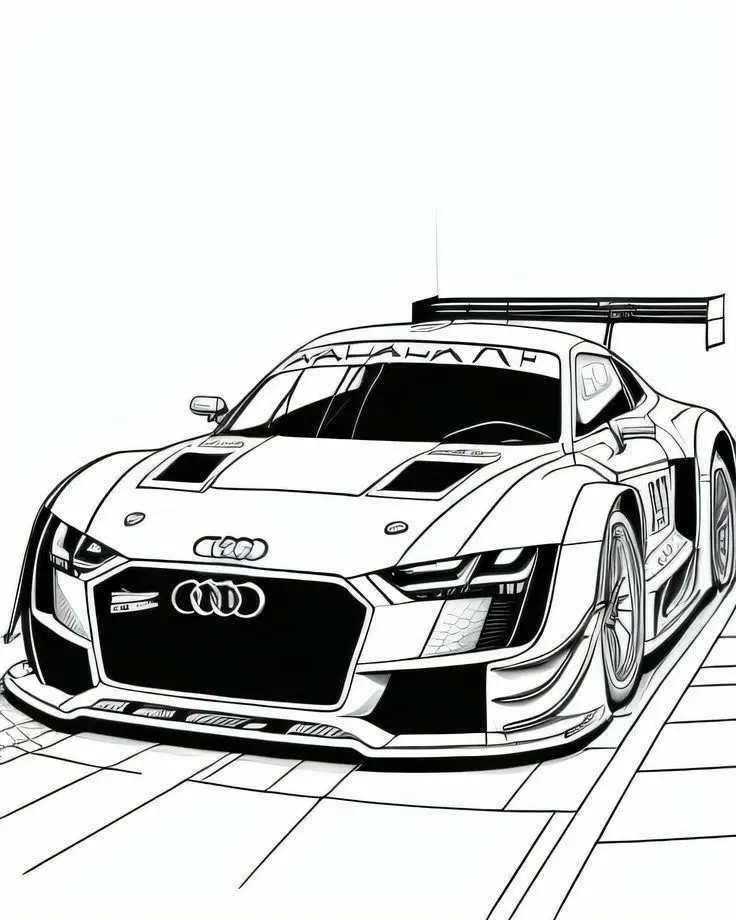
Audi Race Car with Large Rear Wing
These race car coloring pages focus on an Audi with a wide front grille, sharp body panels, and a prominent rear wing. The picture already contains dark printed areas, leaving the remaining bodywork ready for your own palette. Save the original image, examine the panel boundaries, and decide which parts you would like to emphasize first.
More Coloring Pages
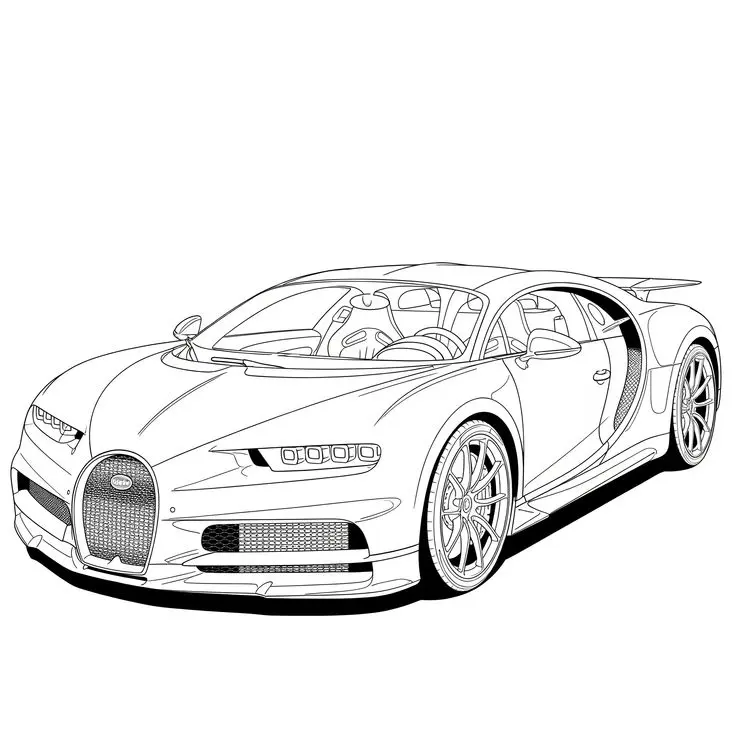
Bugatti Sports Car Coloring Page
Explore a detailed Bugatti sports car coloring page featuring a horseshoe grille, intricate wheels, visible cabin details, and…
View printable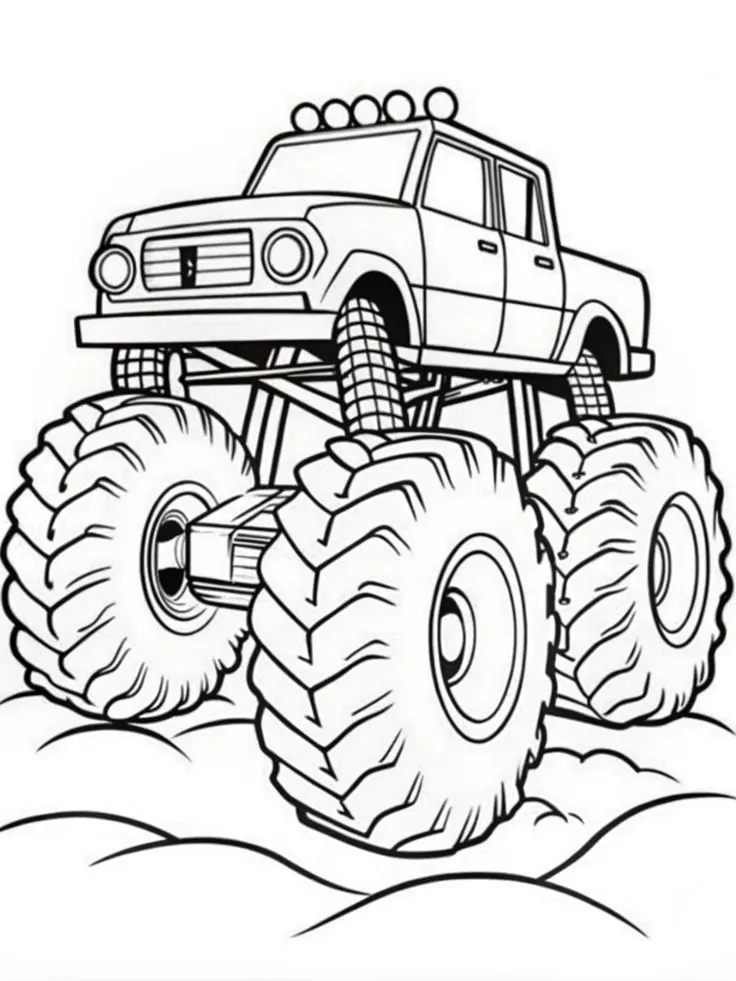
Monster Pickup Truck on Bumpy Ground Coloring Page
Color a towering monster pickup truck with giant treaded tires, exposed suspension, five roof lights, and rounded bumps…
View printable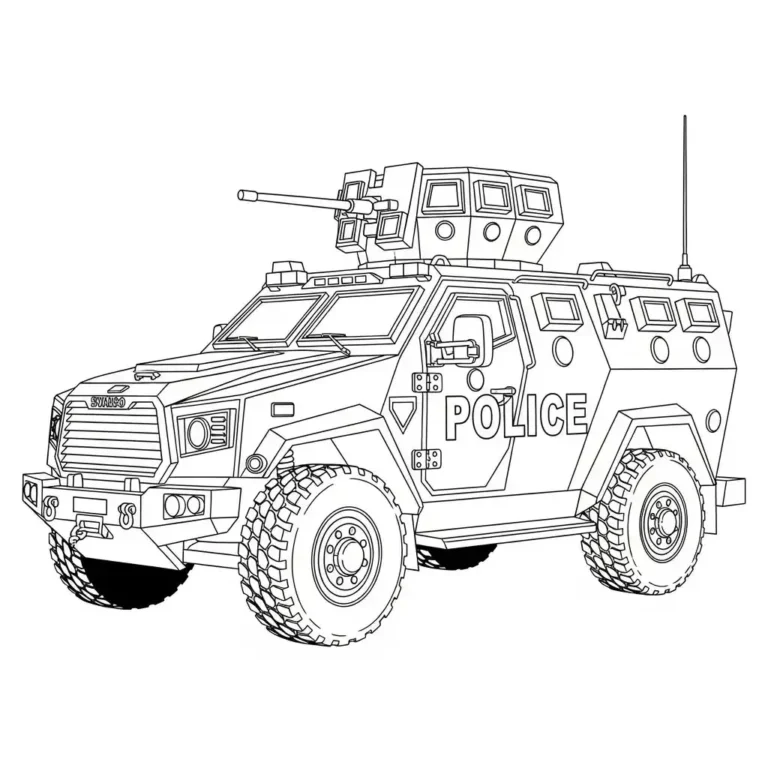
Armored Police Truck Coloring Page
Color a detailed armored police truck with large treaded tires, reinforced windows, a roof-mounted turret, and bold POLICE…
View printable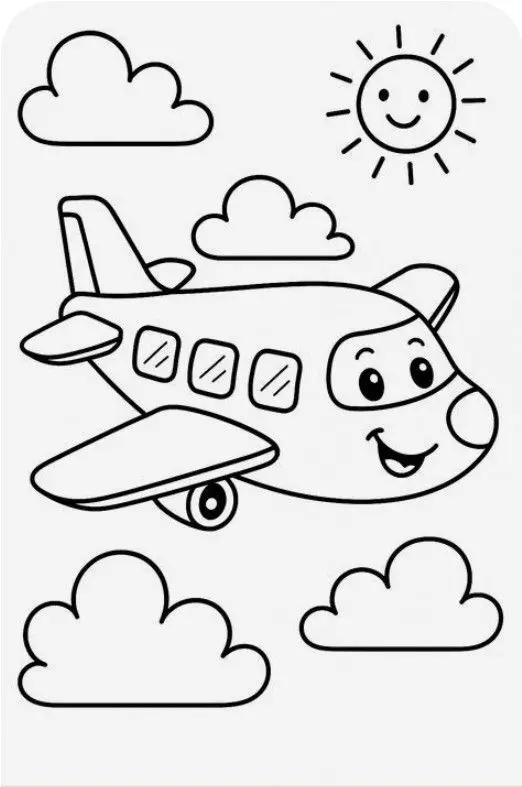
Smiling Airplane with Clouds and Sun Coloring Page
Color a cheerful cartoon airplane flying among four fluffy clouds beneath a smiling sun. Bold outlines and spacious…
View printable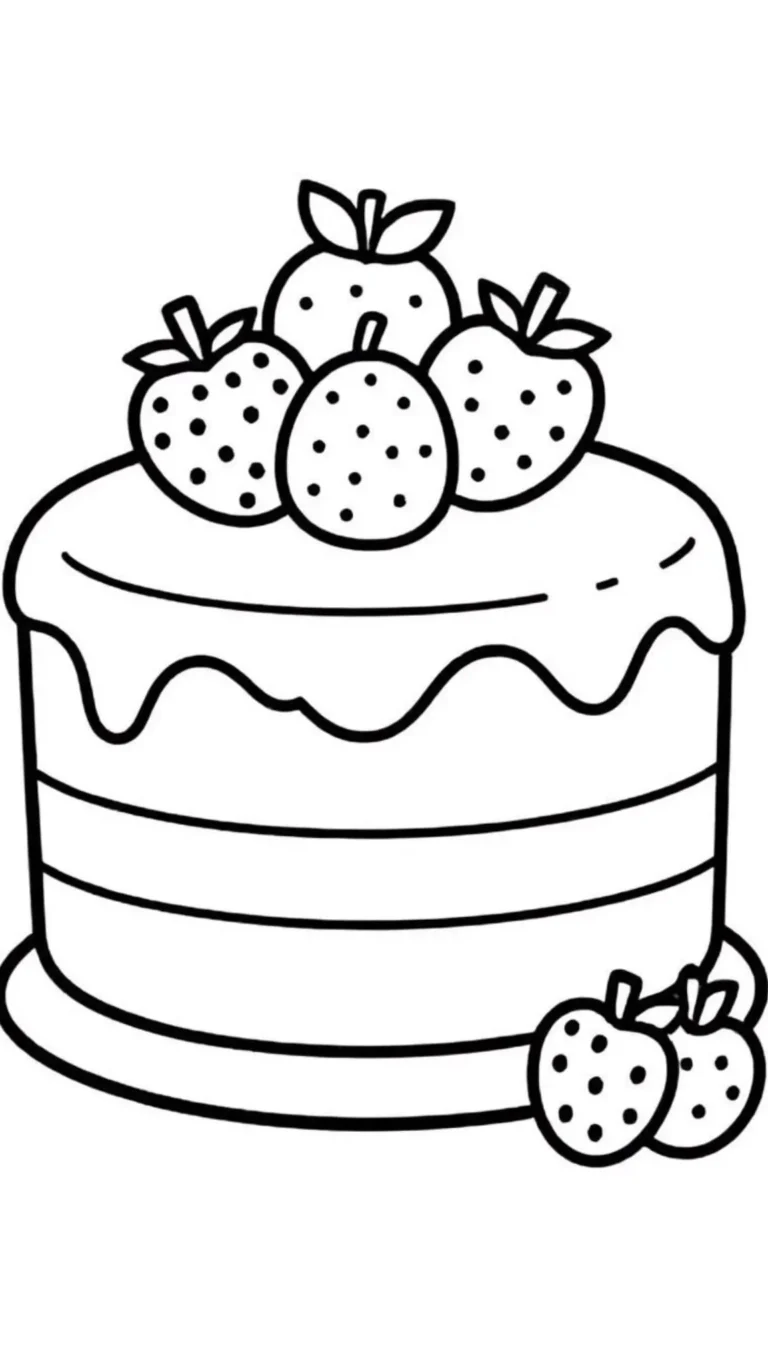
Strawberry Layer Cake Coloring Page
Decorate a strawberry layer cake with your own colors. Thick outlines define the dripping icing, horizontal layers, berry…
View printable
Cute Kitten in a Donut Coloring Page
Color a wide-eyed kitten sitting inside a large iced donut. Sprinkles, tiny paw pads, whiskers, and floating hearts…
View printable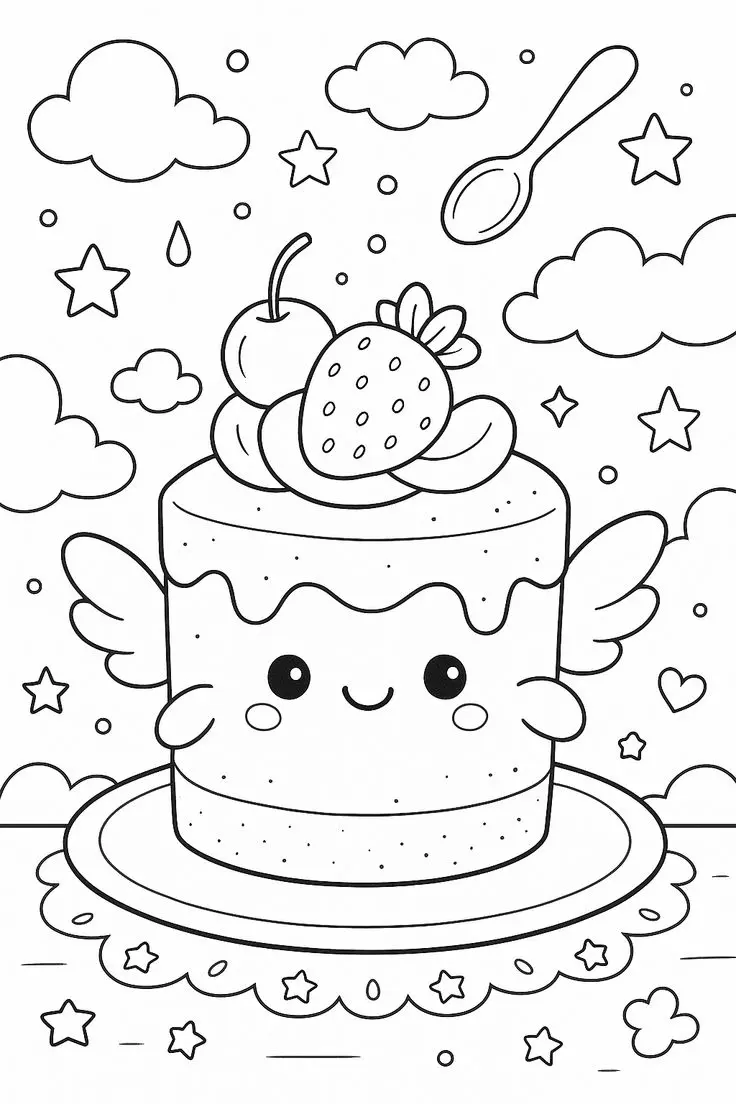
Winged Strawberry Cake Coloring Page
Explore a whimsical cake coloring page with little wings, a smiling face, strawberry and cherry toppings, floating clouds,…
View printable
Smiling Cherry Cake Coloring Page
Give this smiling cake your favorite colors. A cherry, swirled topping, sprinkles, hearts, and stars decorate the cheerful…
View printablePicture details for race car coloring pages
The low front three-quarter view makes the grille and front splitter especially prominent. Narrow headlights stretch beside the broad black grille, and dark vents appear on the hood. Ring emblems are visible on the front. The windshield is largely filled with black, so it does not need another heavy layer of coloring. Some open body sections border these dark areas and can provide a strong color contrast.
The rear wing extends across the top of the car, while the near wheel shows fine spokes inside its curved fender. Side panels carry additional lines and printed markings. Below the vehicle, straight paving lines angle toward the lower edge of the page. There is no crowd, trophy, or visible driver. A racing story is something you can imagine, rather than an event established by this still picture.
Four ways to explore this drawing
Use the printed black as a design color
Treat the grille, windshield, and dark vents as part of the finished palette. Add a bright yellow, red, or turquoise body color to contrast with those existing shapes. Keep small white gaps around the headlights if you want the front details to stand out. You do not need to color over the black ink. Compare a lightly shaded hood panel with a stronger accent on the fender.
Follow the aerodynamic outline
Start at the front splitter and follow the outer silhouette with a finger held just above the paper. Find where the fender rises around the wheel and where the rear wing projects beyond the cabin. Use a separate pencil shade for the splitter and wing to connect these distant features visually. This activity is about noticing the drawn shape; it does not require identifying an exact race specification.
Design a restrained racing palette
Choose a main body shade and one accent for selected existing panels. Let your child decide whether the hood edges, side section, or rear wing receives that accent. Use the printed seams as guides rather than inventing sponsor text. If you add a racing stripe, explain that it is your own decorative addition. Keep the visible emblems and original markings unobscured while trying different combinations around them.
Compare the car and the paving
The body uses many curves and sloping surfaces, while the paving below uses long straight boundaries. Try a warm car color above cool gray paving, or leave the ground mostly white. Trace where individual paving lines disappear beneath the car instead of continuing them across its body. An imagined pit stop can inspire a spoken story, but a pit crew or garage would be new details, not objects already pictured.
Save, scale, and print the original
The original WebP file measures 736 × 920 pixels. Open the full-size image before saving so you are working with the original file rather than a screenshot of this page. If the download link displays the image in a browser tab instead of saving it immediately, use the browser’s save-image option. Keep its existing filename when saving if you want to recognize the picture later.
Start with portrait orientation on A4 or US Letter, then compare the print preview with the picture above. Select a setting that fits the complete image inside your printer’s margins. Preserve the proportions instead of stretching the drawing to fill every corner. White space around the illustration is expected when the image and paper have different shapes. Turn off browser headers and footers if they appear in the preview.
Enlarging this raster image cannot add detail and may soften its outlines. A smaller print can retain clearer edges, especially around narrow spaces. Choose paper supported by your printer and suitable for your coloring tools. Test markers on spare paper and protect the surface underneath; colored pencils allow lighter layers around fine lines. Review the whole outline before committing to a print.
You can browse the coloring pages collection when you want another subject. Compare its available pictures and choose the next activity by the objects your child wants to color, rather than expecting every page to be completed.
Questions about this picture
What file does the download link provide?
The download link provides the original WebP image at 736 × 920 pixels. It is an image file, not a PDF.
How can I print only the coloring picture?
Use Print Coloring Page for the site’s image-only print workflow. If that control is unavailable, open the full-size image and print that image from your browser. Check the preview before confirming.
Which visible details can I focus on?
Explore the hood vents, narrow headlights, wheel spokes, front splitter, rear wing, and paving lines. The printed black areas can remain as they are.
How should I scale this image for paper?
Choose A4 or US Letter and fit the complete image inside the printable area. Keep its proportions, check all edges, and avoid crop-to-fill settings. Enlarging the image cannot create extra detail.