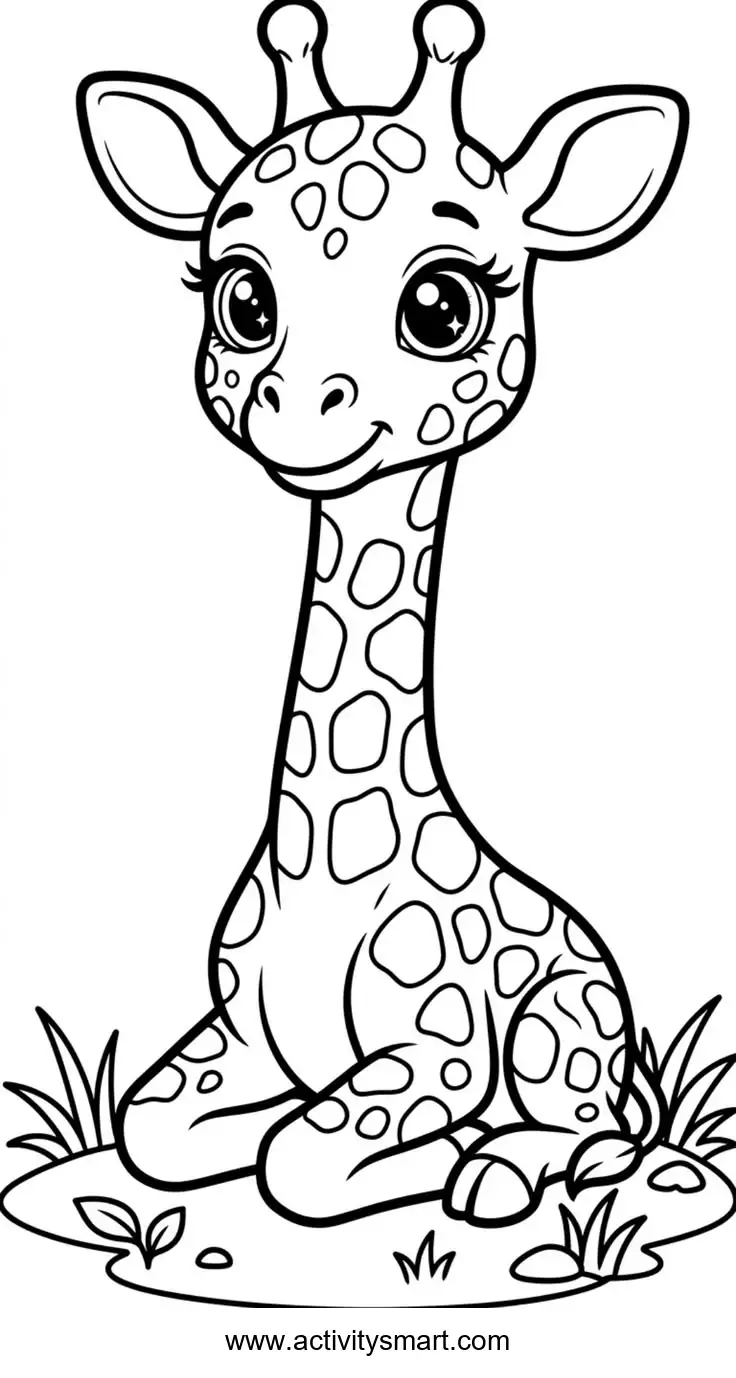
Giraffe with a Long Neck: ready for your colors
This giraffe with a long neck coloring page shows a seated giraffe with a spotted neck sits among small plants and flowers. Save the original image, print it, and explore the picture with the ideas below.
More Coloring Pages
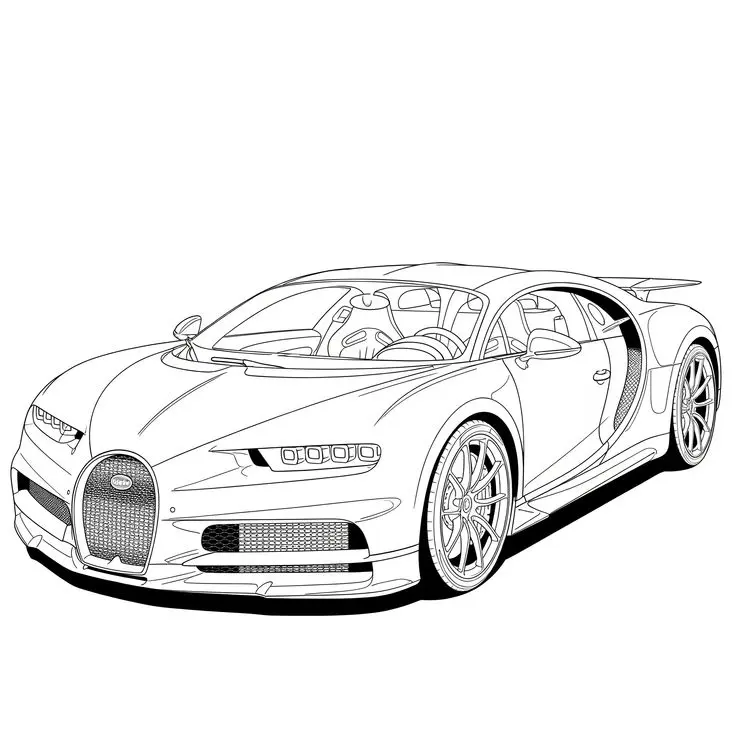
Bugatti Sports Car Coloring Page
Explore a detailed Bugatti sports car coloring page featuring a horseshoe grille, intricate wheels, visible cabin details, and…
View printable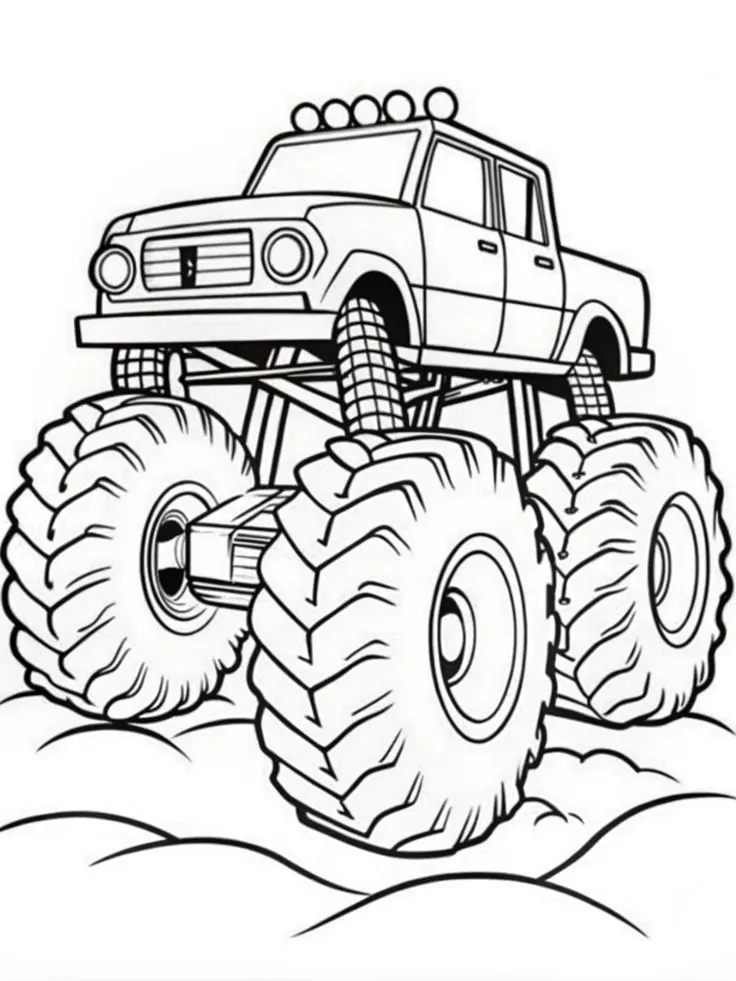
Monster Pickup Truck on Bumpy Ground Coloring Page
Color a towering monster pickup truck with giant treaded tires, exposed suspension, five roof lights, and rounded bumps…
View printable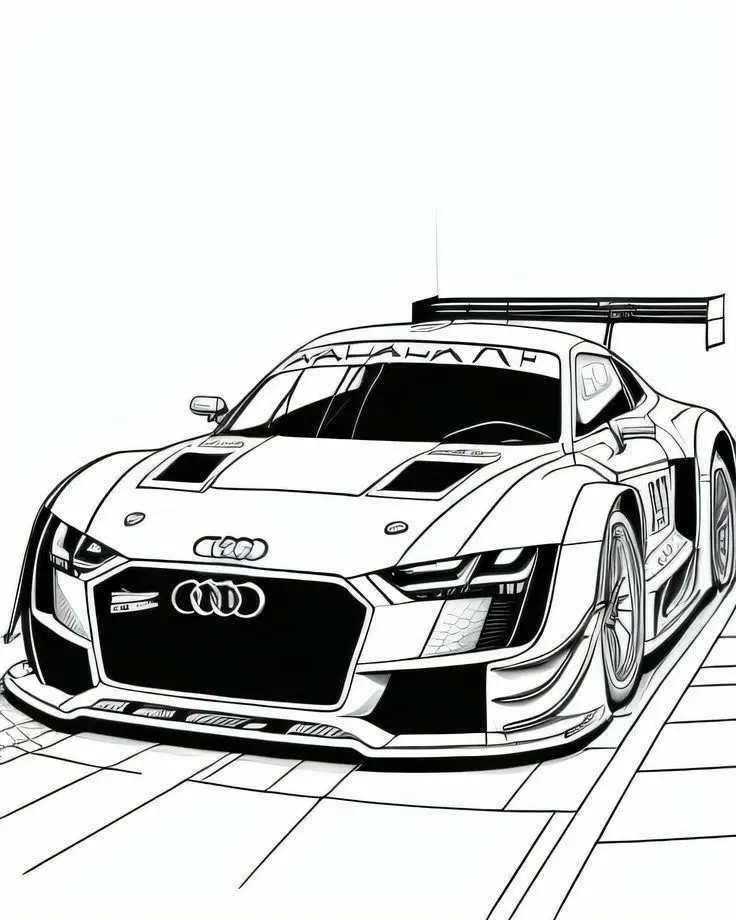
Audi Race Car with Rear Wing Coloring Page
Bring an Audi race car illustration to life with color. Explore its large rear wing, broad front grille,…
View printable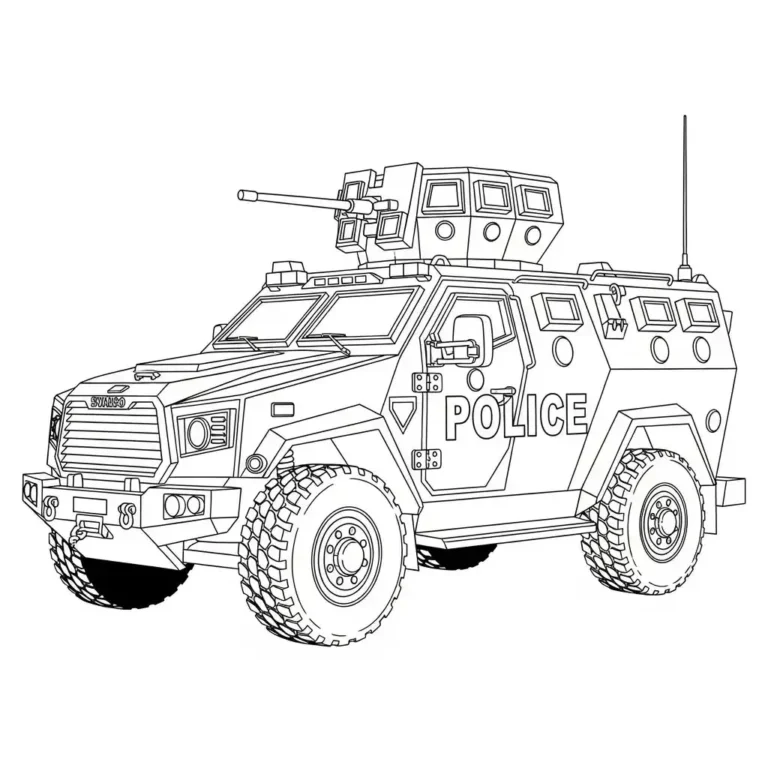
Armored Police Truck Coloring Page
Color a detailed armored police truck with large treaded tires, reinforced windows, a roof-mounted turret, and bold POLICE…
View printable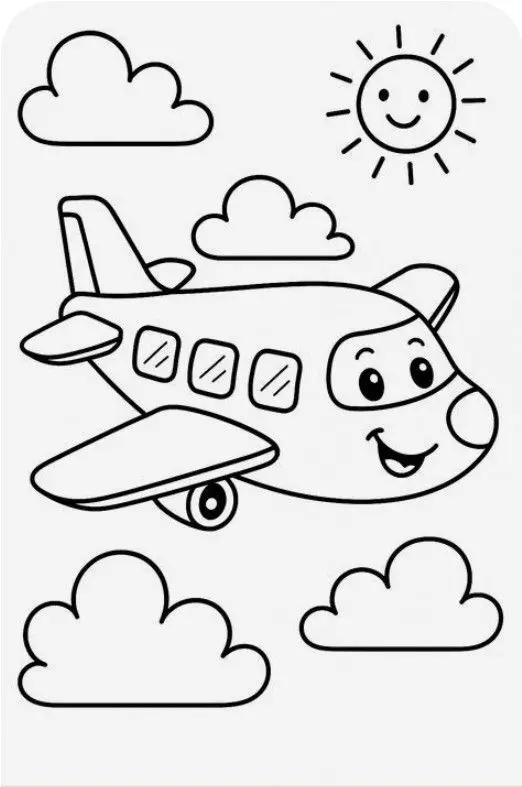
Smiling Airplane with Clouds and Sun Coloring Page
Color a cheerful cartoon airplane flying among four fluffy clouds beneath a smiling sun. Bold outlines and spacious…
View printable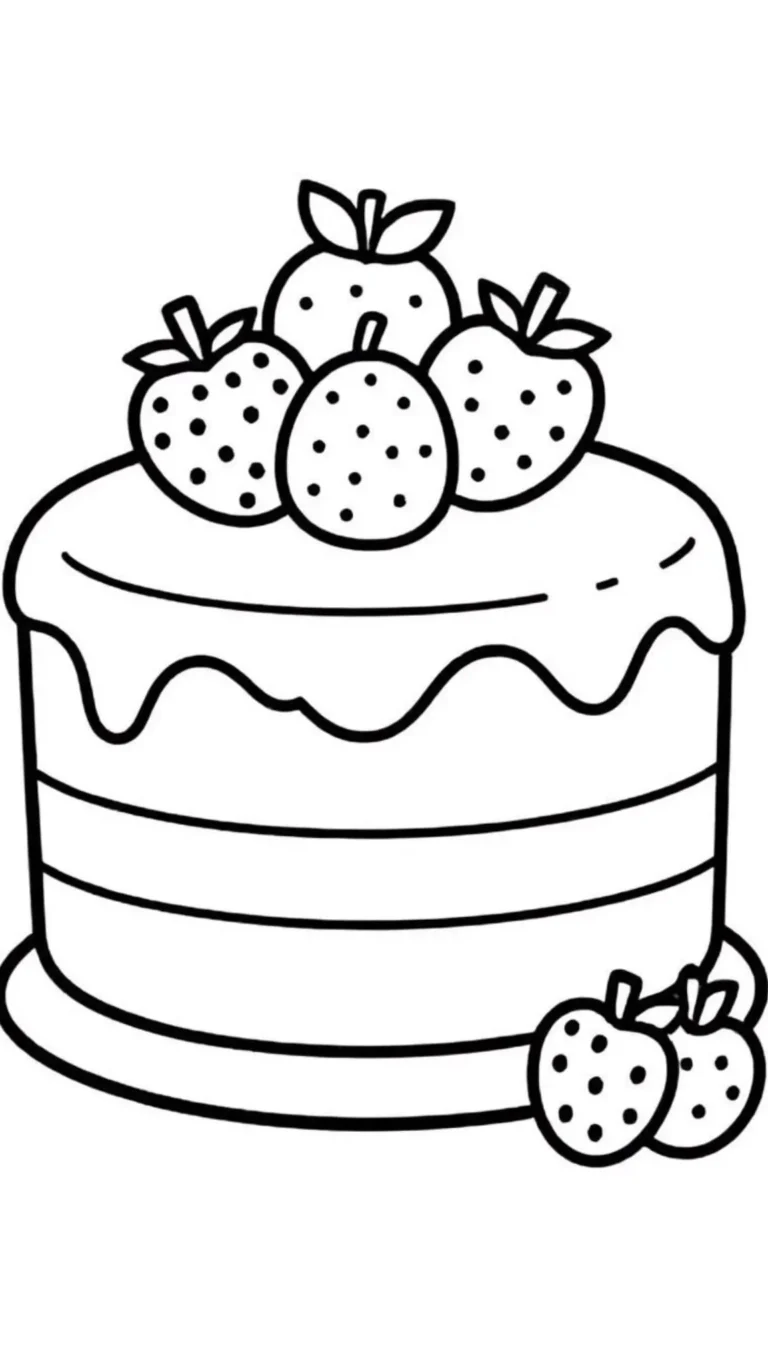
Strawberry Layer Cake Coloring Page
Decorate a strawberry layer cake with your own colors. Thick outlines define the dripping icing, horizontal layers, berry…
View printable
Cute Kitten in a Donut Coloring Page
Color a wide-eyed kitten sitting inside a large iced donut. Sprinkles, tiny paw pads, whiskers, and floating hearts…
View printable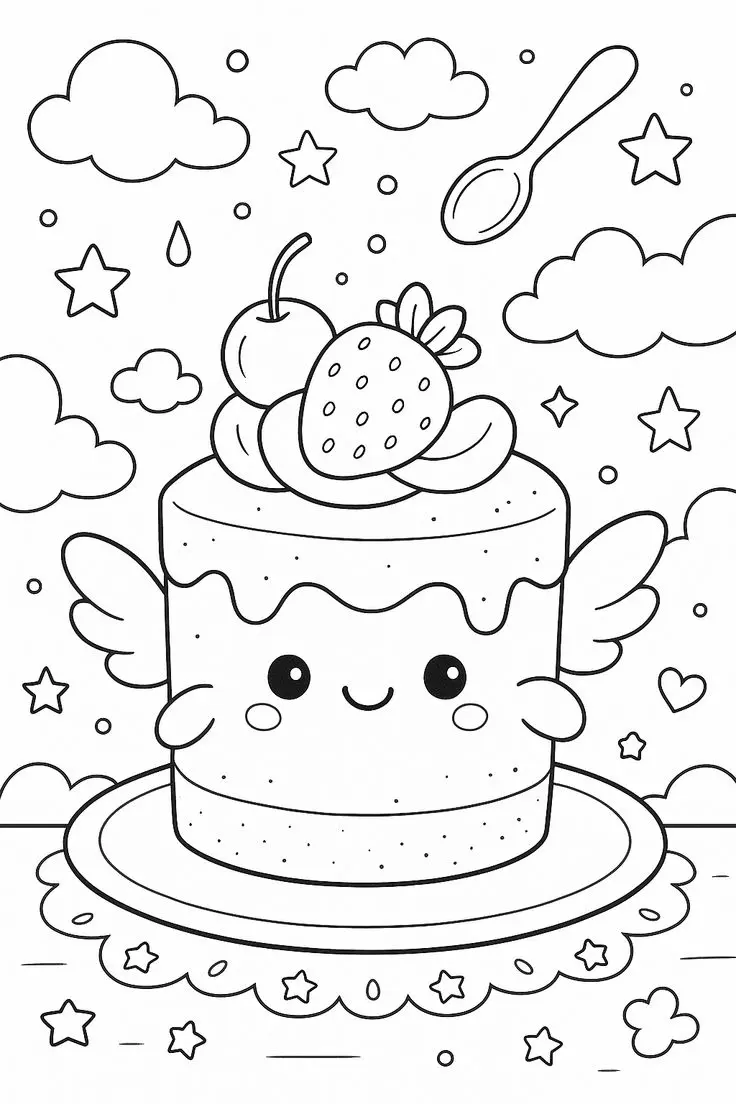
Winged Strawberry Cake Coloring Page
Explore a whimsical cake coloring page with little wings, a smiling face, strawberry and cherry toppings, floating clouds,…
View printableExplore this giraffe with a long neck coloring page
A seated giraffe fills this tall picture from its rounded feet to the small horn-like shapes above its head. Its long neck and body have outlined patches, and its large eyes and ears frame a smiling face. Small plants and flowers sit around the feet. The original website mark appears below the scene.
Follow the neck upward and notice that its patches vary in shape. The giraffe’s body is shown sitting, with legs arranged around the bottom of the long neck. This is a stylized illustration, so the proportions and markings are part of the artist’s design rather than a measurement of an actual giraffe.
Four ways to enjoy the picture
1. Choose a palette
Choose a light yellow or tan for the body and a deeper brown for the patches. Start with one patch near the neck and continue downward at a comfortable pace. A pale body color can help the outlined shapes stand apart. Purple spots or a blue giraffe also work for an invented design. Give the small flowers a contrasting color and try several greens for the plants around the feet. A sharpened pencil can reach the smaller spaces, while the wider neck can be shaded with a crayon. Keep the eyes and the source mark clear when adding color.
2. Color the details
Compare a patch on the neck with one on the body. Are they the same shape or different? Trace their outlines in the air, then look for rounded and pointed shapes around the face. Take turns finding a detail while the other person points to it on the page.
3. Look closely
Count the visible flowers or choose a group of patches to count, touching each one once. There is no need to count every spot. Another option is to color a small sequence of patches in two alternating shades and see how the pattern looks along the long neck.
4. Make a story
Make up a gentle story about the seated giraffe. Perhaps it is resting after a walk or looking for a friend; these are invented possibilities rather than events shown. A child can add an imaginary tree or sky on a separate sheet and place it beside the original picture.
Compare the giraffe’s spots with the stripes on the small seated zebra. Both pictures show seated characters, but their markings give each one a different coloring challenge.
Save and print the original image
Select Download Coloring Image to access the original WebP. Depending on your browser, the file may open instead of downloading. If that happens, use the browser’s save-image option. You can also open the full-size image directly and print it using the browser’s print command if the site print button is unavailable or a popup is blocked.
Choose portrait orientation and A4 or US Letter paper in the print dialog. Select fit to page and preserve the image proportions instead of stretching it to fill the sheet. Check the entire preview, including any source marks at the bottom. Printer margins vary, so the white space around the picture may differ between devices.
The original measures 736 × 1378 pixels. Enlarging it beyond its available resolution can make the lines softer; a smaller print may look sharper. A single test copy can help you decide on the scale before printing more. Standard printer paper is an option for crayons and colored pencils, provided it is supported by your printer.
For small outlined spaces, use a pointed colored pencil and light pressure. Crayons can cover broader regions. Markers may bleed through thin paper, so try them on a spare sheet and protect the surface underneath. A child does not have to finish every part in one sitting; choose a favorite detail and return later if they wish.
Find a different subject in the coloring pages collection. Compare the size and arrangement of the subjects before choosing your next page.
Questions about this picture
What does the image show?
A seated giraffe with a spotted neck sits among small plants and flowers.
What file will I receive?
The original is a WebP image measuring 736 × 1378 pixels, not a PDF.
How can I print the whole picture?
Choose portrait orientation and fit to page on A4 or US Letter paper. Check the preview and retain the original proportions and source marks.
Which coloring tools can I use?
Crayons work for larger spaces and colored pencils offer control in smaller areas. Test markers on spare paper and protect the surface underneath.