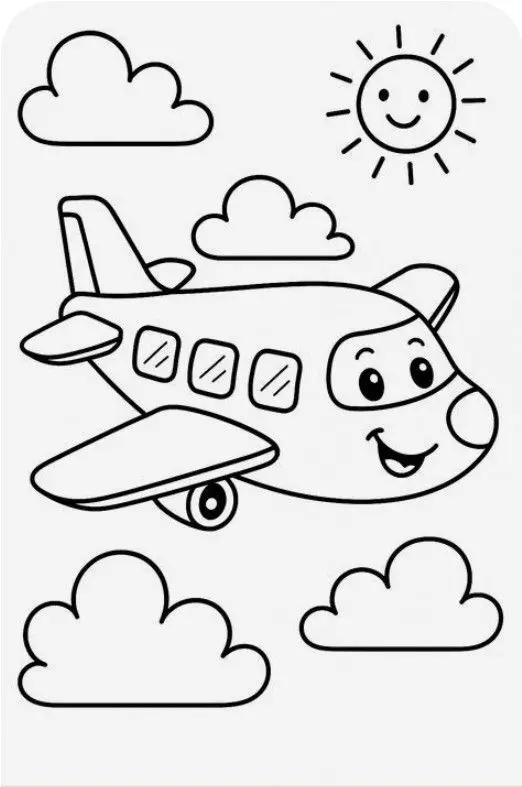
Smiling Airplane with Clouds and Sun
These airplane coloring pages begin with a friendly flying character, rounded clouds, and a sun with its own smile. Save the original picture or use the image-only print control, then choose a color scheme for the airplane and sky. The broad wings and body offer open spaces, while the windows and wheel provide smaller areas to explore.
More Coloring Pages
Smiling Airplane with Clouds and Sun Coloring Page
Color a cheerful cartoon airplane flying among four fluffy clouds beneath a smiling sun. Bold outlines and spacious…
View printable
Is Online Coloring Good for Kids? 5 Amazing Benefits
Is online coloring good for kids? Learn the benefits, best ages, screen time tips and get answers to…
View printable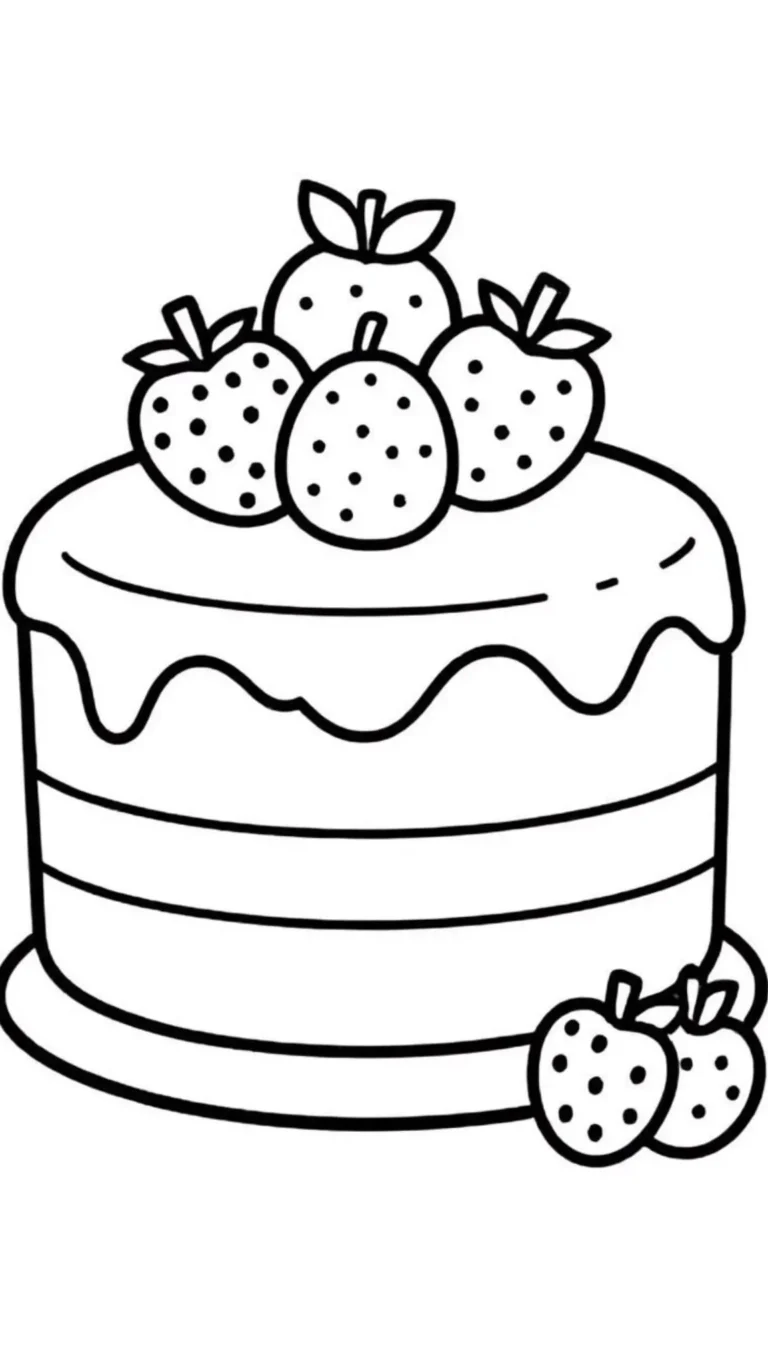
Strawberry Layer Cake Coloring Page
Decorate a strawberry layer cake with your own colors. Thick outlines define the dripping icing, horizontal layers, berry…
View printable
Cute Kitten in a Donut Coloring Page
Color a wide-eyed kitten sitting inside a large iced donut. Sprinkles, tiny paw pads, whiskers, and floating hearts…
View printable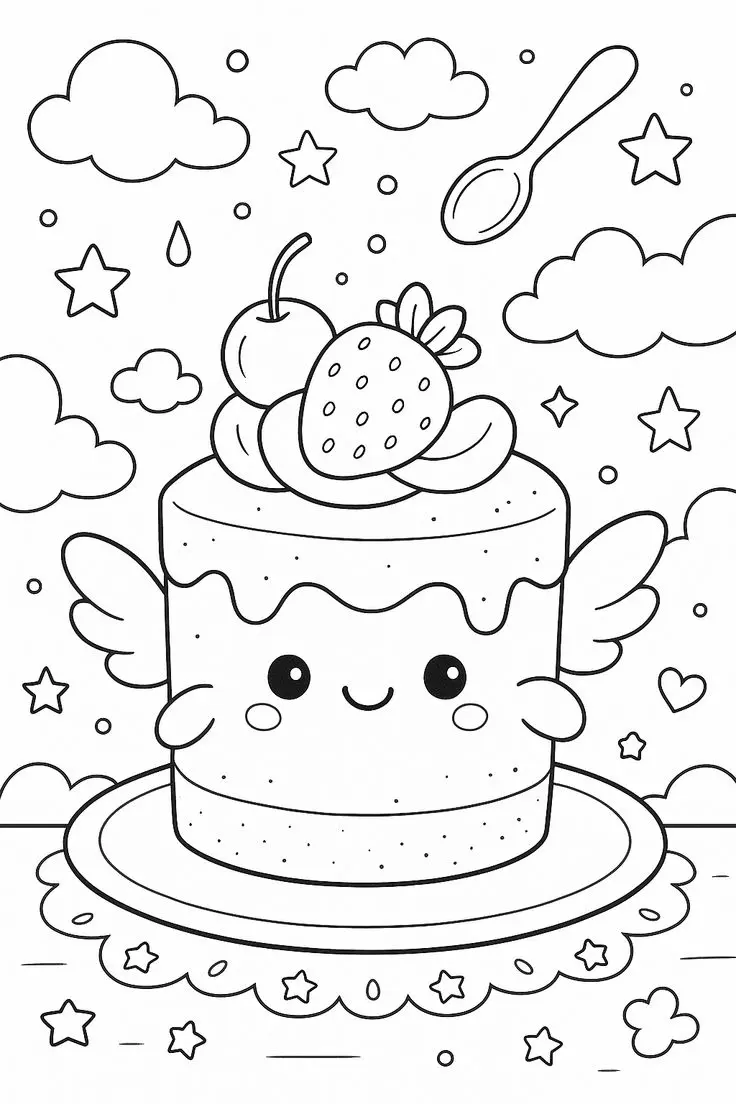
Winged Strawberry Cake Coloring Page
Explore a whimsical cake coloring page with little wings, a smiling face, strawberry and cherry toppings, floating clouds,…
View printable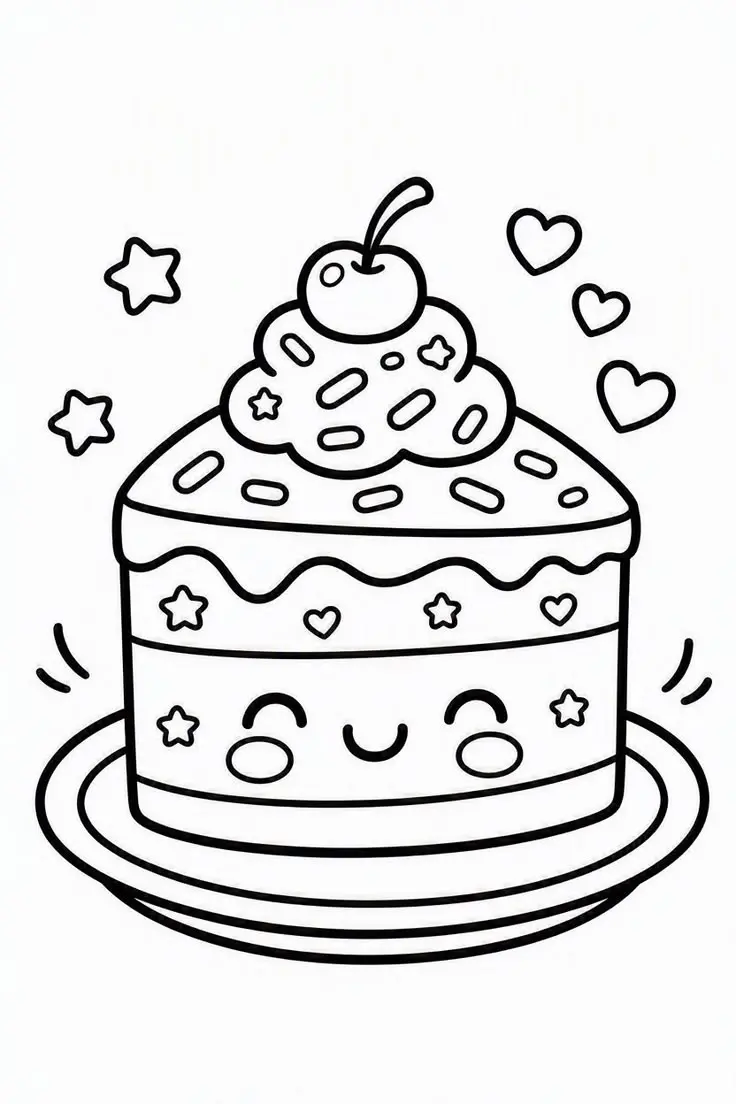
Smiling Cherry Cake Coloring Page
Give this smiling cake your favorite colors. A cherry, swirled topping, sprinkles, hearts, and stars decorate the cheerful…
View printable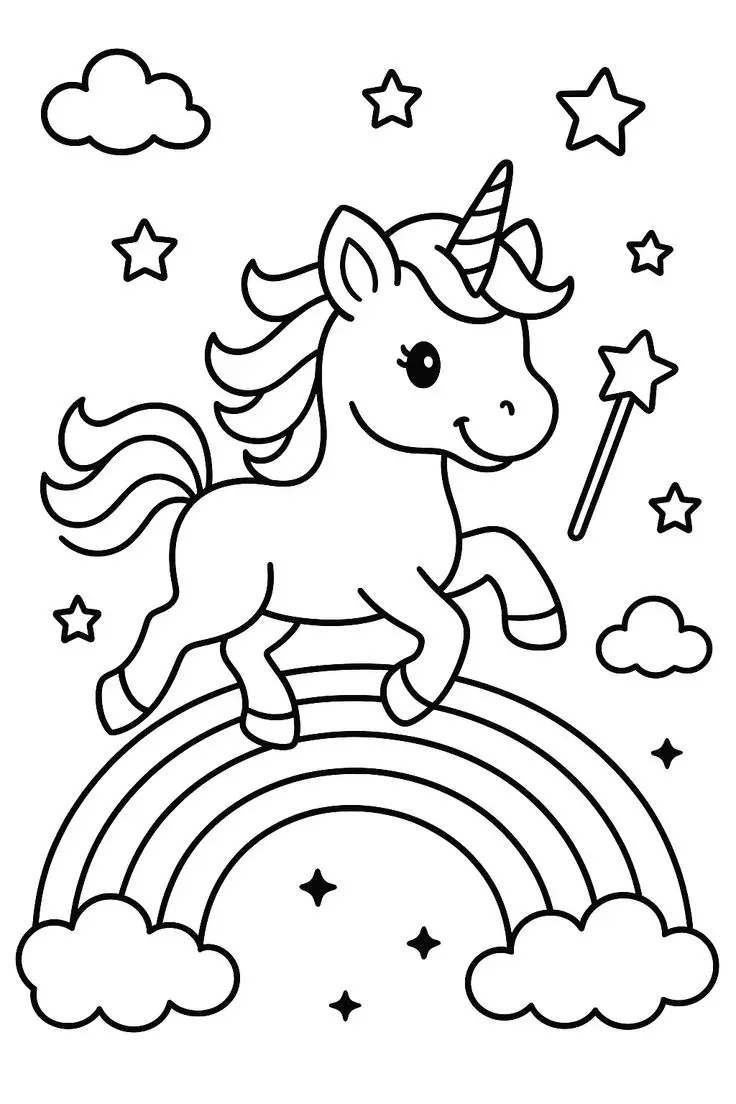
Unicorn Above a Rainbow Coloring Page
Color a smiling unicorn above a rainbow, surrounded by clouds, stars, and a star-tipped wand. Bold outlines leave…
View printable
How to Teach a Child to Write Their Name: 4 Easy Steps
Learn how to teach a child to write their name in 4 simple steps, with age guides, fun…
View printablePicture details for airplane coloring pages
The airplane faces toward the right, with large eyes in its windshield and an open smiling mouth below. Three passenger windows run along the side, each containing short diagonal marks. A large wing extends toward the lower left, and a small wheel appears beneath it. The upright tail and smaller rear surfaces give the back of the aircraft a different outline from its rounded nose.
Four clouds surround the aircraft without covering its face. The sun sits near the upper right, with short rays around its circular face. Notice how the clouds use soft bumps, while the windows have straighter edges. There is no airport, runway, or destination drawn here, so any story about where the airplane is going will be your own invention.
Four ways to explore this drawing
Give the airplane a two-color design
Choose one shade for the body and another for the wings and tail. Red with yellow makes a bright combination; pale blue with orange creates a different mood. Keep the eyes and smile easy to see by using lighter pressure around the facial features. The nose can share the body color or become a small accent of its own. These choices are imaginative decorations for the cartoon aircraft.
Compare the clouds with the sun
Try leaving the clouds white and adding a light blue pencil layer in the surrounding space. Alternatively, use pale gray along the lower edges of the clouds without filling every part. Give the sun a warm yellow center and orange rays, or invent another palette. Compare how a lightly shaded cloud looks beside the bold outline of the smiling sun. The white paper can be part of the finished design.
Follow a window pattern
Use the passenger windows as a short repeating sequence. Your child might choose blue, green, blue, or give each window a different shade. Point to each visible window as you move along the side, then compare the diagonal reflection marks inside. Use a pencil tip around those marks if you want them to remain distinct. There is no need to color the windows as darkly as the eyes.
Tell a sky journey
Let the airplane introduce itself and describe what it sees among the clouds. Ask which cloud it might pass next, using positions in the actual drawing rather than inventing a hidden object. A destination or passenger can become part of a spoken story, but neither is pictured. If your child wants to draw an extra bird or rainbow, explain that it is a new addition to the original sky scene.
Save, scale, and print the original
The original WebP file measures 522 × 787 pixels. Open the full-size image before saving so you are working with the original file rather than a screenshot of this page. If the download link displays the image in a browser tab instead of saving it immediately, use the browser’s save-image option. Keep its existing filename when saving if you want to recognize the picture later.
Start with portrait orientation on A4 or US Letter, then compare the print preview with the picture above. Select a setting that fits the complete image inside your printer’s margins. Preserve the proportions instead of stretching the drawing to fill every corner. White space around the illustration is expected when the image and paper have different shapes. Turn off browser headers and footers if they appear in the preview.
Enlarging this raster image cannot add detail and may soften its outlines. A smaller print can retain clearer edges, especially around narrow spaces. Choose paper supported by your printer and suitable for your coloring tools. Test markers on spare paper and protect the surface underneath; colored pencils allow lighter layers around fine lines. Review the whole outline before committing to a print.
You can browse the coloring pages collection when you want another subject. Compare its available pictures and choose the next activity by the objects your child wants to color, rather than expecting every page to be completed.
Questions about this picture
What file does the download link provide?
The download link provides the original WebP image at 522 × 787 pixels. It is an image file, not a PDF.
How can I print only the coloring picture?
Use Print Coloring Page for the site’s image-only print workflow. If that control is unavailable, open the full-size image and print that image from your browser. Check the preview before confirming.
Which visible details can I focus on?
Try the three passenger windows, broad wings, smiling face, four clouds, or the sun. You can color one area and leave the rest for another session.
How should I scale this image for paper?
Choose A4 or US Letter and fit the complete image inside the printable area. Keep its proportions, check all edges, and avoid crop-to-fill settings. Enlarging the image cannot create extra detail.