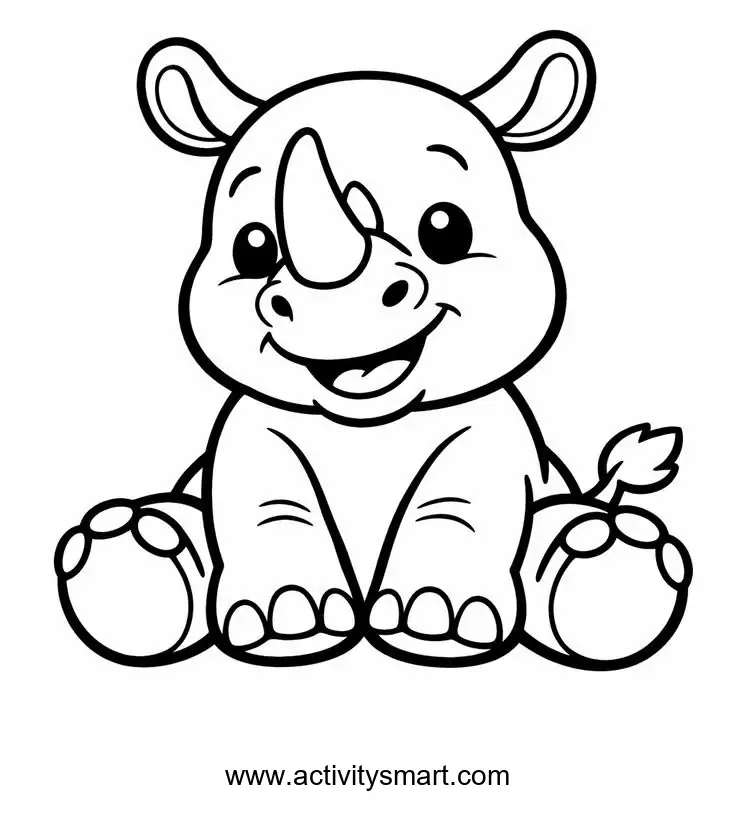
Sitting Baby Rhino: choose your colors
This sitting baby rhino coloring page features a smiling baby rhinoceros sits with a large front horn and rounded feet. Open the original image, print a copy, and explore the picture and activity ideas below.
More Coloring Pages
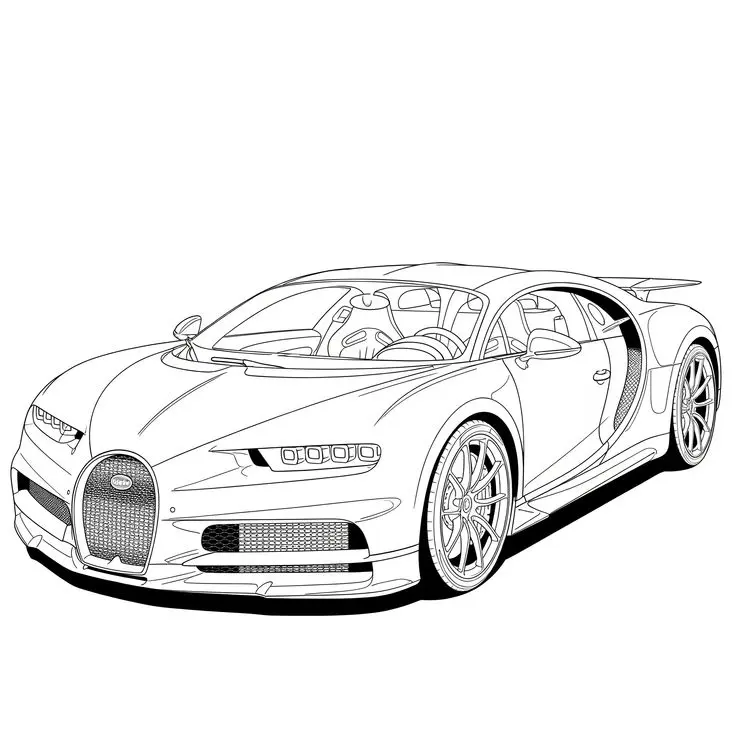
Bugatti Sports Car Coloring Page
Explore a detailed Bugatti sports car coloring page featuring a horseshoe grille, intricate wheels, visible cabin details, and…
View printable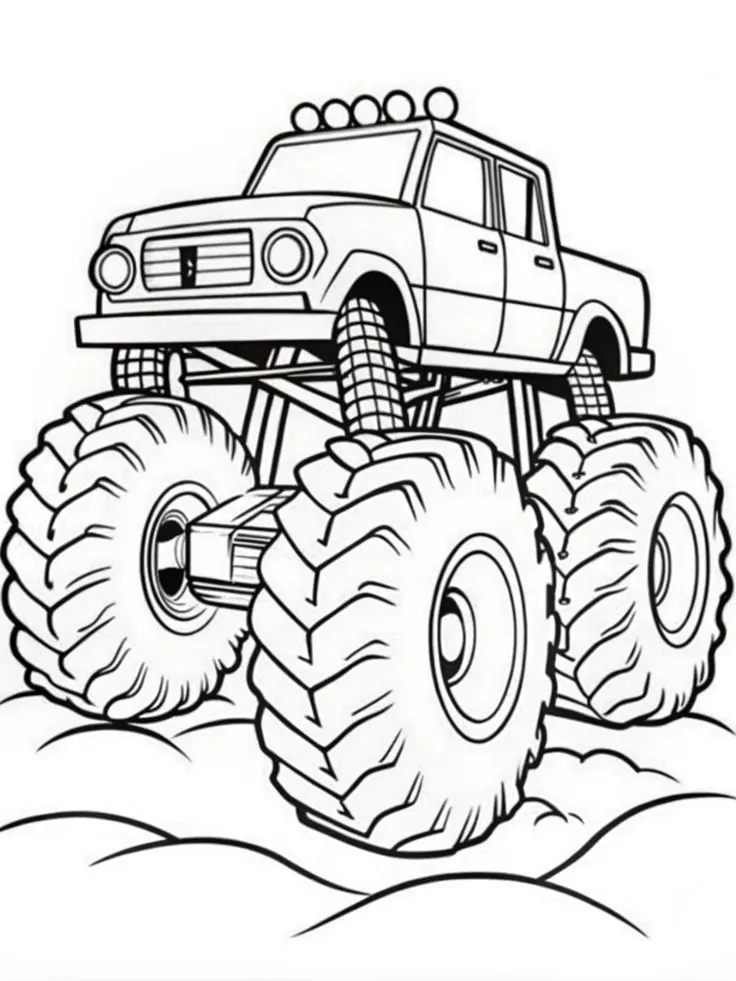
Monster Pickup Truck on Bumpy Ground Coloring Page
Color a towering monster pickup truck with giant treaded tires, exposed suspension, five roof lights, and rounded bumps…
View printable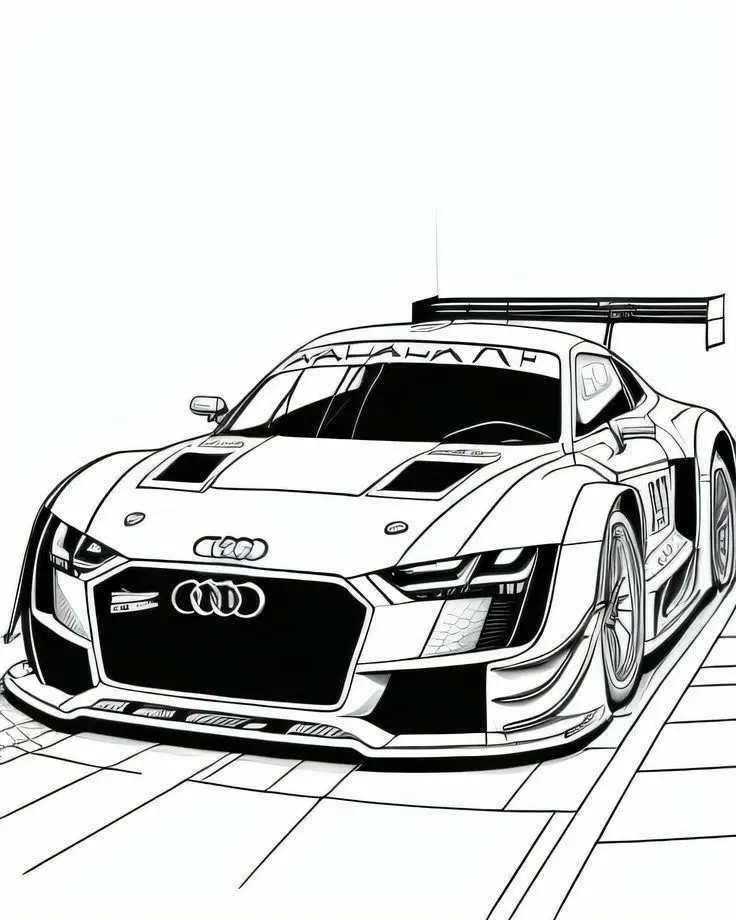
Audi Race Car with Rear Wing Coloring Page
Bring an Audi race car illustration to life with color. Explore its large rear wing, broad front grille,…
View printable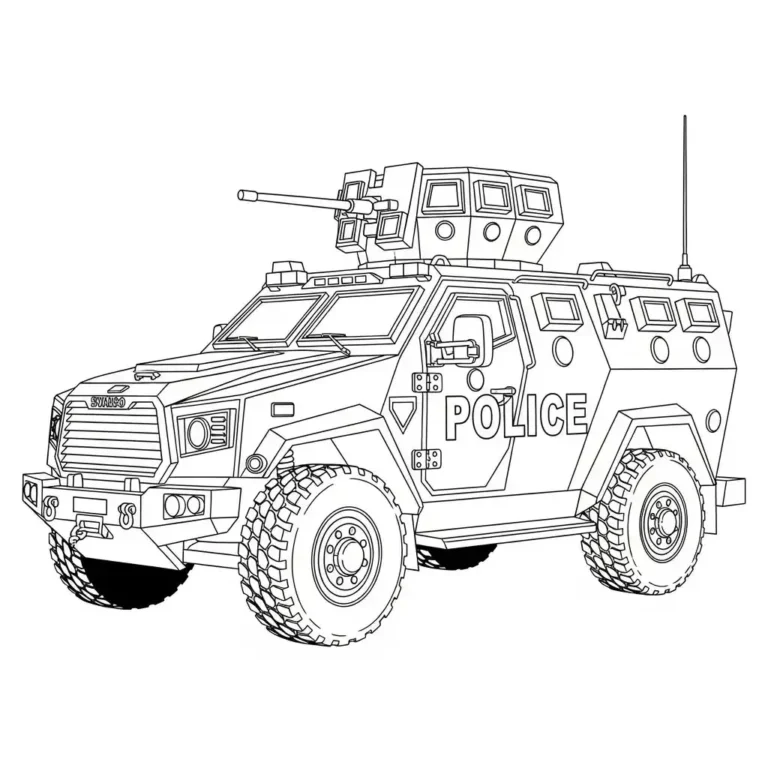
Armored Police Truck Coloring Page
Color a detailed armored police truck with large treaded tires, reinforced windows, a roof-mounted turret, and bold POLICE…
View printable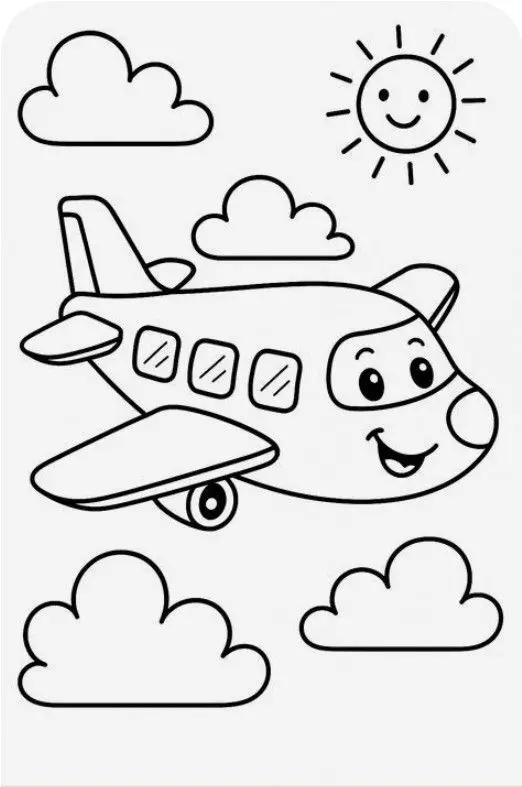
Smiling Airplane with Clouds and Sun Coloring Page
Color a cheerful cartoon airplane flying among four fluffy clouds beneath a smiling sun. Bold outlines and spacious…
View printable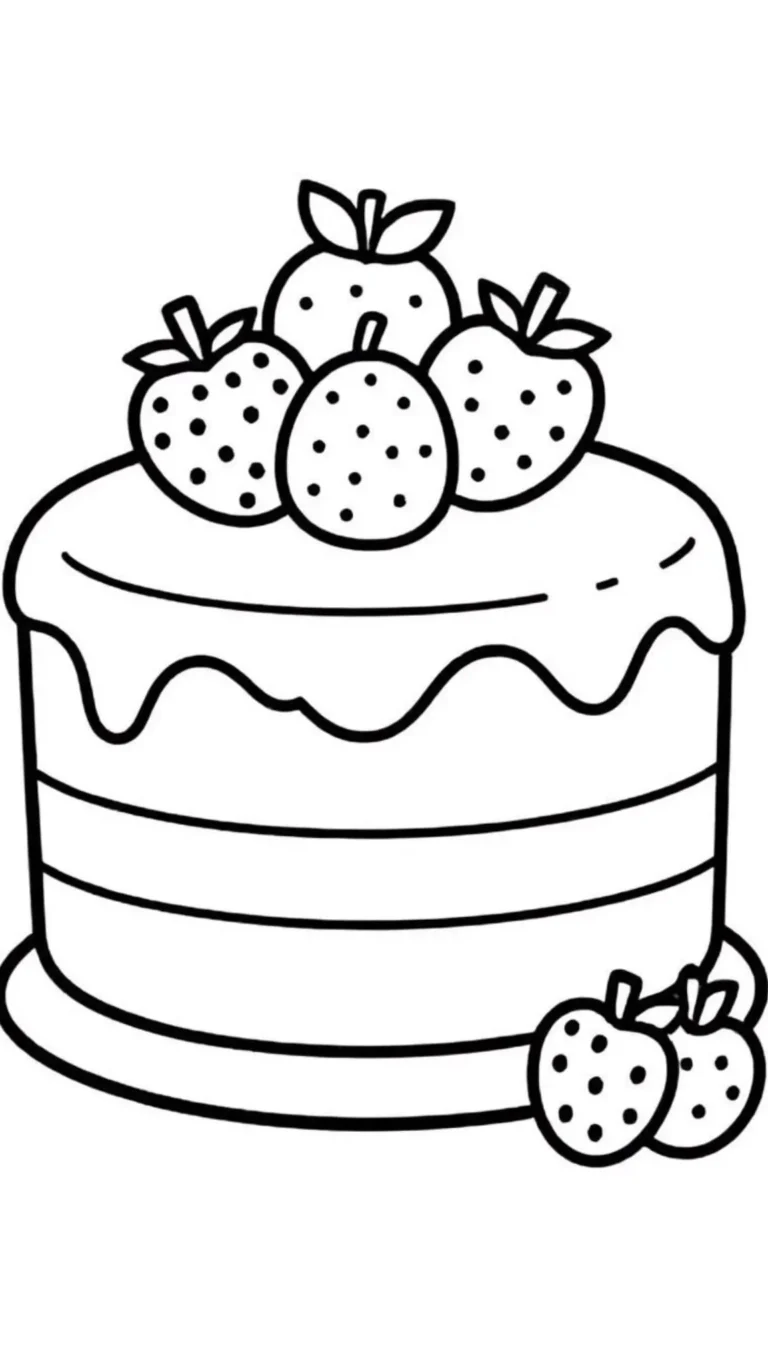
Strawberry Layer Cake Coloring Page
Decorate a strawberry layer cake with your own colors. Thick outlines define the dripping icing, horizontal layers, berry…
View printable
Cute Kitten in a Donut Coloring Page
Color a wide-eyed kitten sitting inside a large iced donut. Sprinkles, tiny paw pads, whiskers, and floating hearts…
View printable
Winged Strawberry Cake Coloring Page
Explore a whimsical cake coloring page with little wings, a smiling face, strawberry and cherry toppings, floating clouds,…
View printableExplore the sitting baby rhino coloring page
The rhino sits facing forward, with its rounded feet visible at the bottom of the illustration. A large horn rises from its face, and wide ears sit above the smiling head. Small toe shapes and the short tail add details to explore around the larger body. The cartoon is drawn with expressive eyes and a broad smile.
A light gray body with a slightly darker horn is one way to begin. A blue, pink or green rhino is also welcome: this is a cartoon, so a child can choose a playful palette. Leave the facial lines visible by applying color gently around the eyes and mouth.
Coloring and activity ideas
Choose contrasting colors
Look at the feet and compare the large rounded pads with the smaller outlined toes. Pick a darker shade for the toes or leave the pads light. Colored pencils provide more control in these small spaces, while a crayon can cover the wider body area.
Explore a distinctive detail
Try a contrast activity with the horn. Color the head lightly and the horn a different shade, then step back and see which part draws attention. On spare paper, test how a second layer changes the color before applying it to the drawing. The goal is a choice the child likes, not a prescribed result.
Look and compare
Play a pointing game: find an ear, the horn, a foot and the tail. Take turns describing one feature without naming it, then let the other person point. Compare curved lines around the ears with the pointed top of the horn. The activity can be as short as the child wishes.
Try a pattern or observation game
Make up a story about why this rhino is sitting. Perhaps it is resting or waiting for a friend; neither event is established by the picture. Give the character a name and write a caption on separate paper. The child can tell the story without writing if that is more comfortable.
Tell a story
An imagined grassy setting can be drawn around the rhino after printing, but the grass would be a new addition rather than a detail in the original. Keep any added marks away from the website name. Coloring just the face or feet is also a complete activity.
Choose one idea to begin and let the child decide how much of the image to finish. A small detail can be satisfying on its own, and the rest can wait for another day. Keep a few colors nearby and add more only when they are wanted.
Saving and printing your picture
Use the download link to access the original WebP image. If the file opens in your browser instead of saving, use the browser’s save-image option. The print button uses the site’s image-printing tool. If that tool is unavailable or a popup is blocked, open the full-size image and use the browser’s own print command.
Choose portrait orientation and A4 or US Letter paper, then select fit to page. Check the preview before printing: keep the whole drawing and the website name visible. Preserve the image’s proportions instead of stretching it to fill the paper; some margins may remain depending on the paper and printer.
The original measures 736 × 813 pixels. Enlarging the picture does not add detail and can make outlines softer. Try a single copy first and adjust the scale if needed. Ordinary printer paper works with many crayons and pencils; test markers on spare paper and place a protective sheet underneath.
For another activity, explore the farm animals by a barn coloring page or browse the coloring pages collection. Compare a group scene with this single character, or choose a completely different subject together.
Questions about this picture
What file does the download provide?
The original WebP image measures 736 × 813 pixels. It is an image file, not a PDF.
Can I print this on A4 or US Letter paper?
Choose portrait orientation and fit to page. Check the preview to preserve the entire image and its proportions.
What if the print button does not work?
Open the full-size image and use your browser’s print command. You can also save the image from that view.
Which tools can I use?
Crayons suit broad areas, while colored pencils offer control around smaller details. Test markers on spare paper and protect the surface underneath.