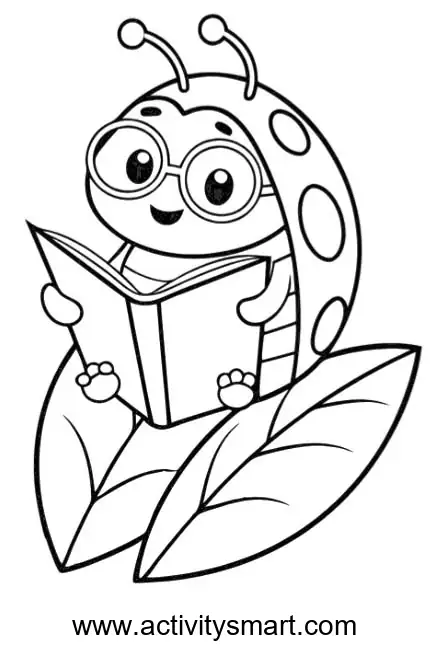
A little reader on a leaf
This ladybug reading on a leaf coloring page offers the original image to save or print, along with coloring ideas and practical printing help.
More Coloring Pages
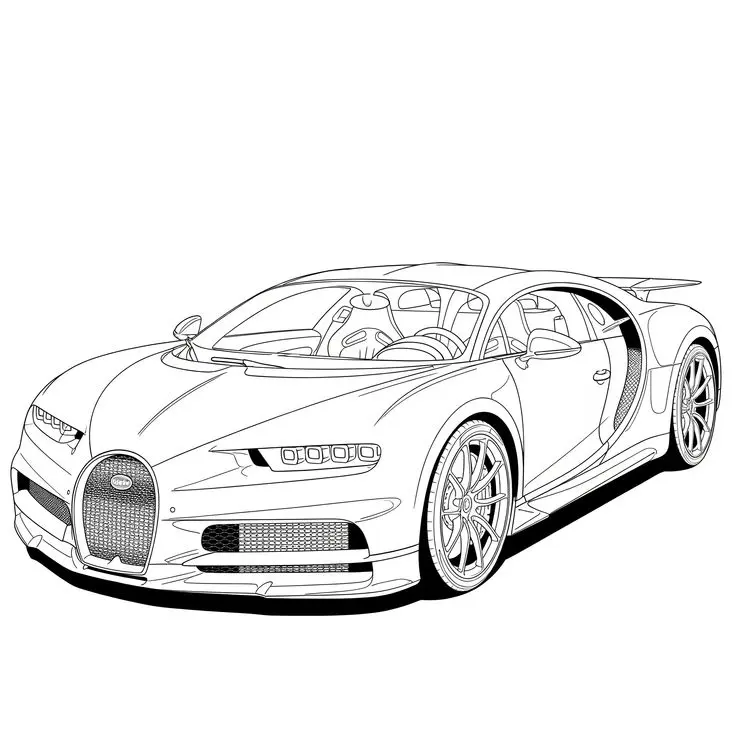
Bugatti Sports Car Coloring Page
Explore a detailed Bugatti sports car coloring page featuring a horseshoe grille, intricate wheels, visible cabin details, and…
View printable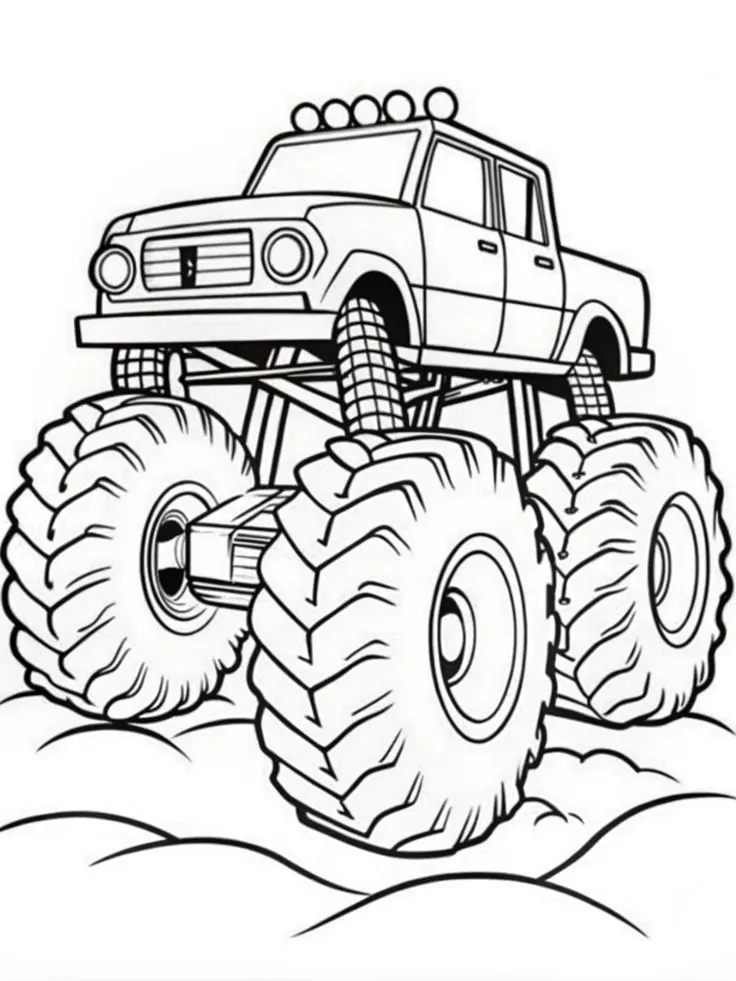
Monster Pickup Truck on Bumpy Ground Coloring Page
Color a towering monster pickup truck with giant treaded tires, exposed suspension, five roof lights, and rounded bumps…
View printable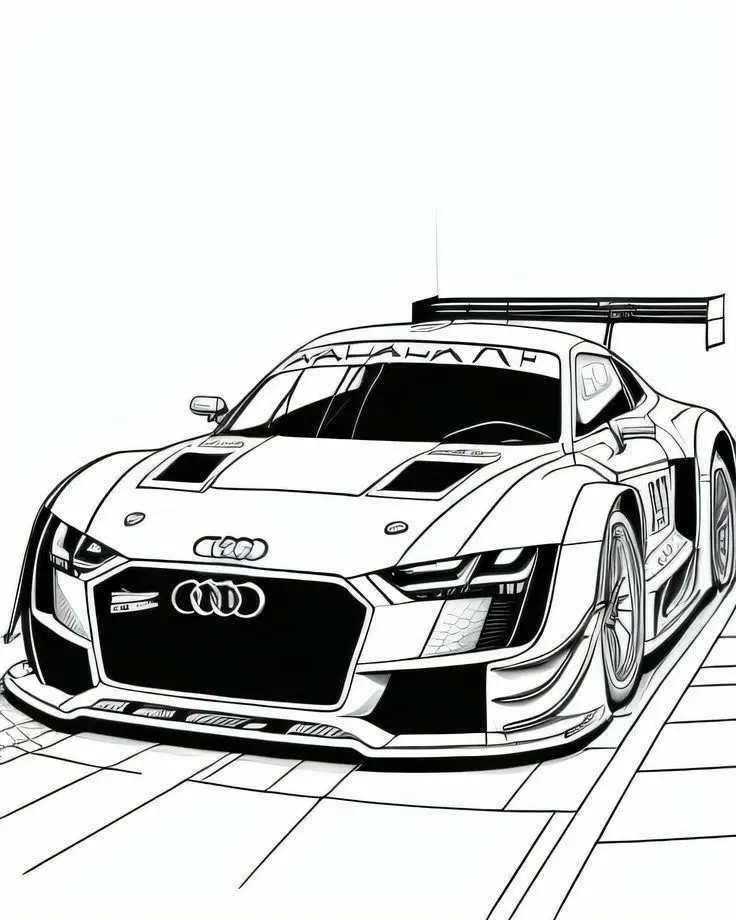
Audi Race Car with Rear Wing Coloring Page
Bring an Audi race car illustration to life with color. Explore its large rear wing, broad front grille,…
View printable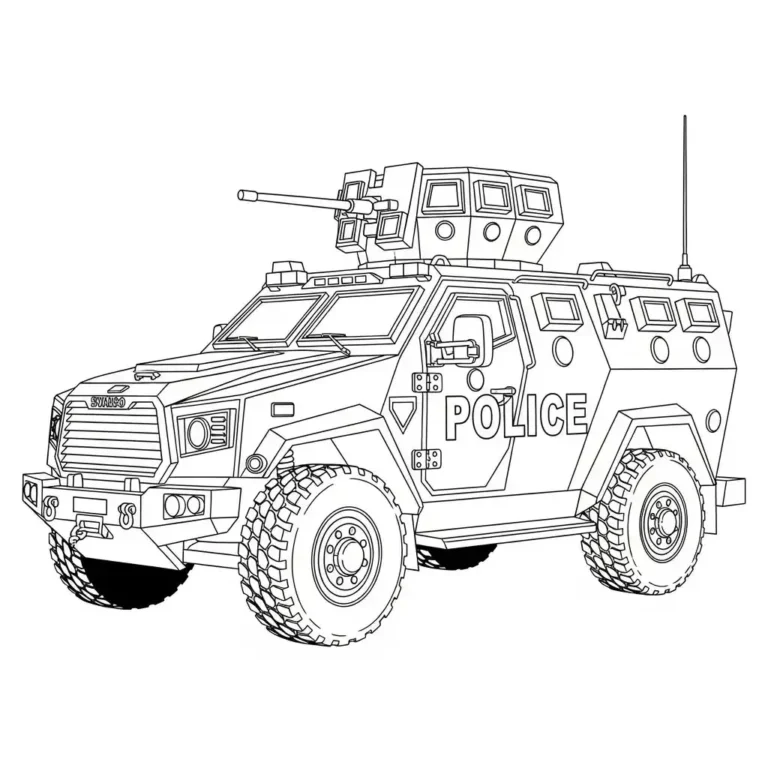
Armored Police Truck Coloring Page
Color a detailed armored police truck with large treaded tires, reinforced windows, a roof-mounted turret, and bold POLICE…
View printable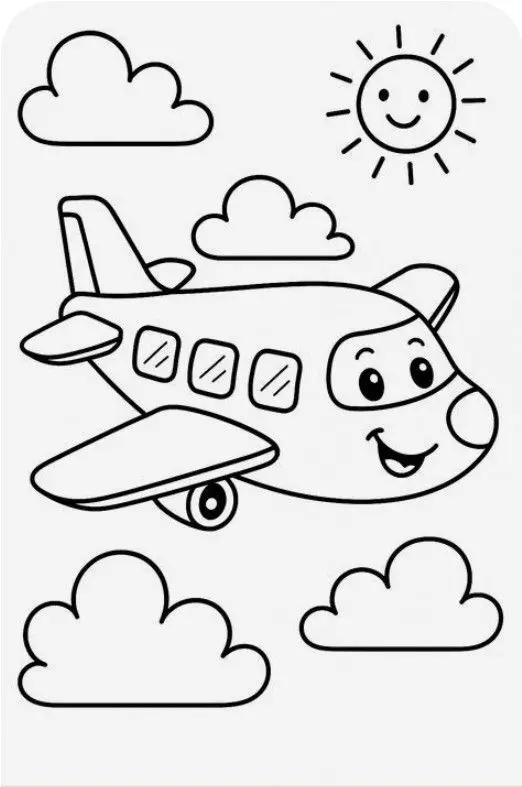
Smiling Airplane with Clouds and Sun Coloring Page
Color a cheerful cartoon airplane flying among four fluffy clouds beneath a smiling sun. Bold outlines and spacious…
View printable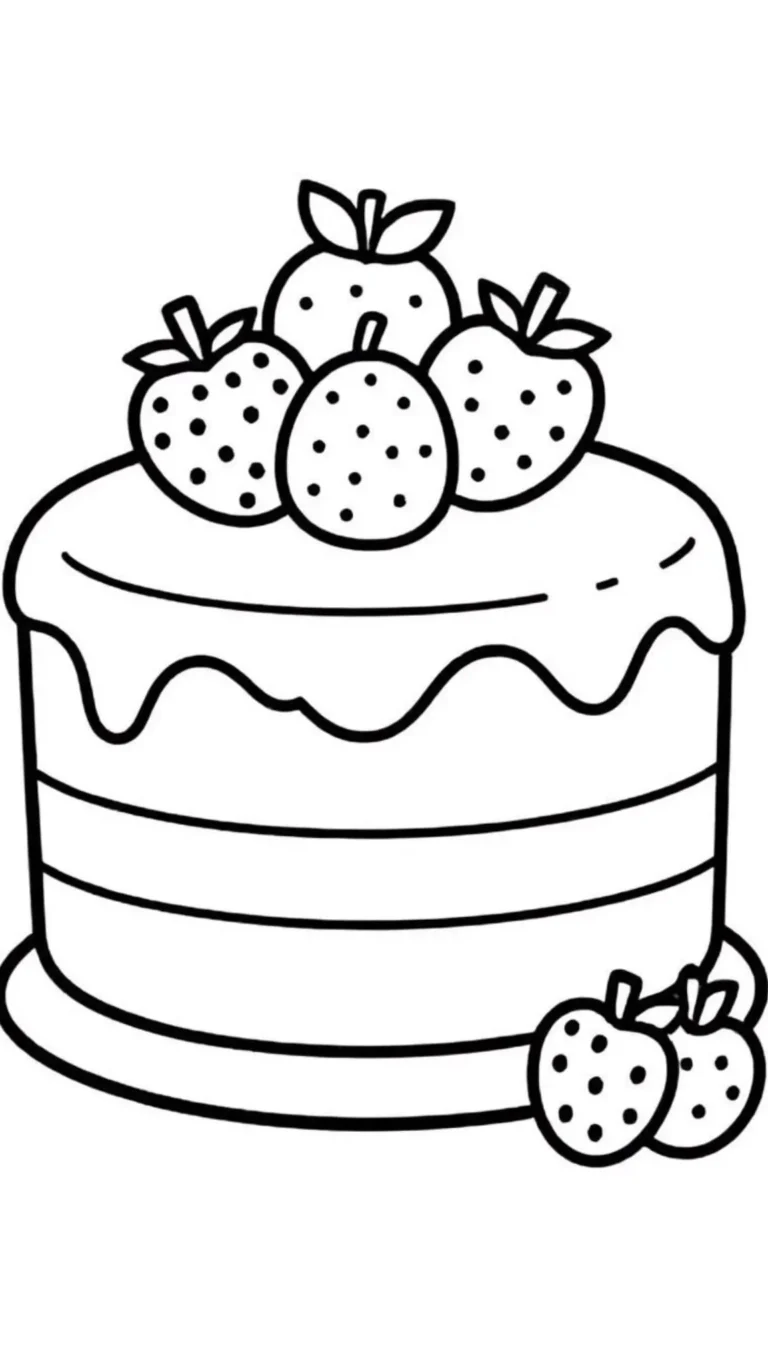
Strawberry Layer Cake Coloring Page
Decorate a strawberry layer cake with your own colors. Thick outlines define the dripping icing, horizontal layers, berry…
View printable
Cute Kitten in a Donut Coloring Page
Color a wide-eyed kitten sitting inside a large iced donut. Sprinkles, tiny paw pads, whiskers, and floating hearts…
View printable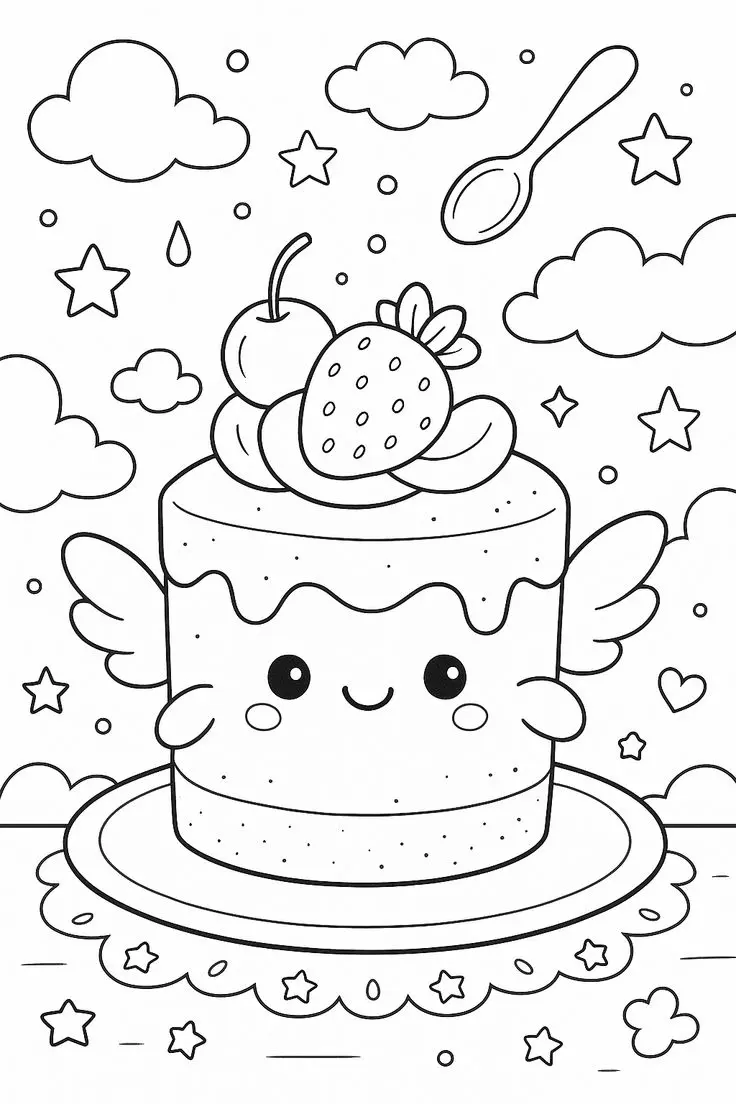
Winged Strawberry Cake Coloring Page
Explore a whimsical cake coloring page with little wings, a smiling face, strawberry and cherry toppings, floating clouds,…
View printableWhat is on this ladybug reading on a leaf coloring page?
A smiling ladybug wears round glasses and holds an open book. Its spotted wing cover curves behind the book, and its antennae end in small circles. Large leaves with visible veins support the character.
Look at the picture before choosing a color. Find the spots on the wing cover, then follow the outline toward the pages and cover of the open book. Notice where a broad shape meets a narrow one. The black outlines separate the spaces, so you can decide which areas to leave white and which to fill. The site name at the bottom is part of the original image and remains visible.
There is no required order for finishing the picture. Begin with the part that catches your eye, then pause and return later if you wish. A small selection of colors can make the first choice easier, and additional shades can be added as the picture develops.
Four ideas for this picture
1. Plan a small palette
Try red, black and green as a starting combination, or choose completely imaginary colors. Test the pencils on a separate piece of paper to see how the shades look together. Choose one main color, one lighter shade and one contrasting accent. A gentle first layer leaves room to add a darker edge later.
Start with the spots on the wing cover. Color one area lightly, then compare it with the area beside it. If both look too similar, a different shade or a little more pressure can make their outlines easier to distinguish. Keep the printed black lines visible rather than pressing heavily over them.
2. Notice shapes and details
Find the pages and cover of the open book and compare it with the veins in the leaves. Which is wider? Which has a curve, a point or a small enclosed space? Follow each outline with a finger above the paper before coloring. Pointing and describing what you see are both useful ways to explore the drawing; there is no need to name every detail.
Take turns giving clues based on what is actually visible. One person can describe a shape without naming it, while the other points to the matching part. Switch roles and try again. For a counting challenge, count the repeated details you can see in the picture, touching each one once and checking the image as you go.
3. Experiment with texture and contrast
Use short pencil strokes in one direction for one area and gentle circular strokes in another. Compare the results on spare paper first. A light layer can show the texture of the paper; adding another layer makes the color stronger. Try these methods around the spots on the wing cover, keeping the smaller outlines clear.
Crayons can cover larger spaces quickly, while a sharpened colored pencil offers more control near the pages and cover of the open book. If a small part is difficult to reach, leave it white or color just its edge. The picture can look finished even when some spaces remain uncolored. Choose the effect you like rather than trying to match a model.
4. Make up a story
Imagine a ladybug choosing a story. What might happen just before the moment in the drawing, and what could happen afterward? These are invented events inspired by the picture. Give the character a name, choose a beginning and make up an ending. An adult can write down a dictated sentence on a separate sheet.
For a second version, select a different palette and tell a different story. If you want to add a setting or another character, draw it as a new imaginary detail; it is not part of the original illustration. Keep the original site name visible. Compare the two versions and talk about how a change of color changes the mood.
Save and print the original image
Select Download Coloring Image for the original WebP. Depending on the browser, the file may open instead of saving; use the browser’s save-image option in that case. The full-size link gives another route to the same original file.
Use Print Coloring Page for the site’s image printing feature. If it is unavailable or a new window is blocked, open the full-size image and use the browser’s print command instead. Choose portrait orientation, A4 or US Letter and fit to page. Check the print preview to make sure the whole image and website name remain visible. Printer margins vary, so leave any necessary white space instead of stretching the picture.
The image measures 430 × 663 pixels. Enlarging a digital image cannot add detail, and its outlines may look softer at a larger size. Consider a smaller print if the preview looks unclear, and print one test sheet before making more. Ordinary printer paper can be used with crayons or pencils; test markers on spare paper and protect the surface underneath.
Explore the coloring pages collection for another activity, or visit the farm animals by a barn picture to compare this illustration with a group scene.
Questions about this coloring page
What is shown in this picture?
A smiling ladybug wears round glasses and holds an open book. Its spotted wing cover curves behind the book, and its antennae end in small circles. Large leaves with visible veins support the character.
What file will I download?
The original is a WebP image measuring 430 × 663 pixels. It is not a PDF.
How can I print the complete image?
Choose portrait orientation and fit to page on A4 or US Letter paper. Check the preview and preserve the image proportions.
What if the print button does not work?
Open the full-size image and use your browser’s print command. Check the preview before printing.
Which materials can I use?
Crayons work for larger spaces and colored pencils can reach smaller details. Test markers on spare paper first.