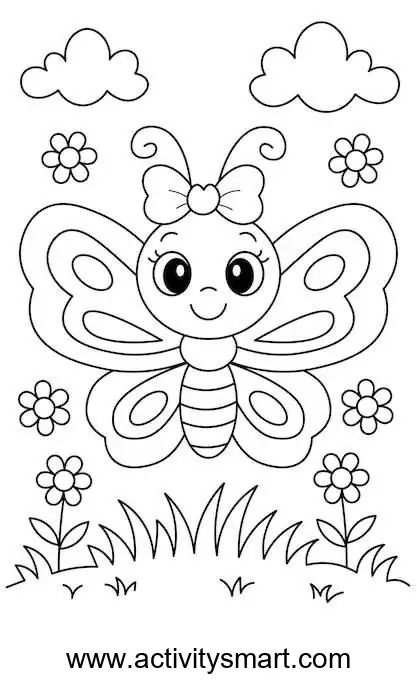
Butterfly above Flowers: a picture to color
This butterfly above flowers coloring page offers an original black-and-white picture to save or print. The smiling butterfly spreads its patterned wings above grass and flowers. A bow sits between the curled antennae, and bands cross the lower body. Flowers surround the butterfly, with clouds above and stems and leaves near the bottom. The original site name remains visible below the illustration.
More Coloring Pages
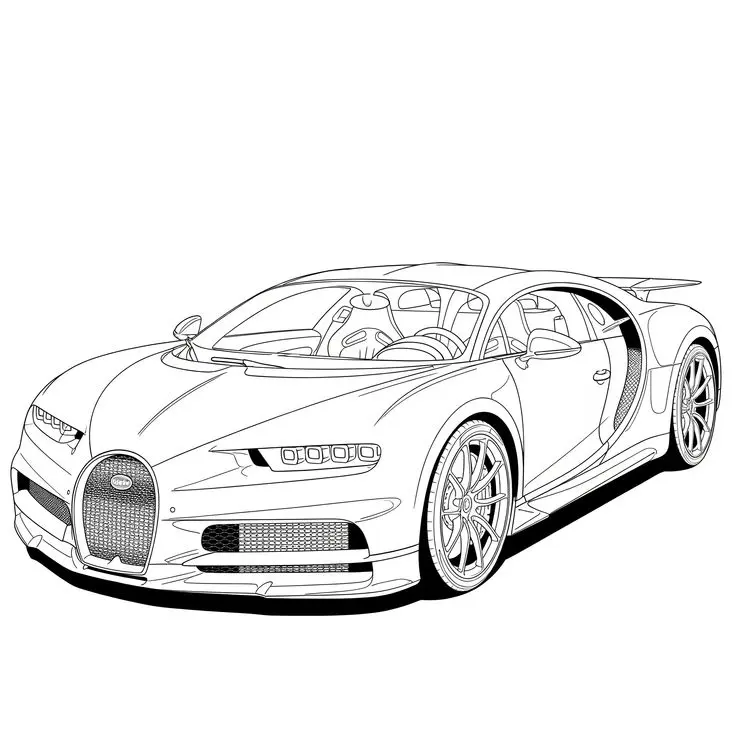
Bugatti Sports Car Coloring Page
Explore a detailed Bugatti sports car coloring page featuring a horseshoe grille, intricate wheels, visible cabin details, and…
View printable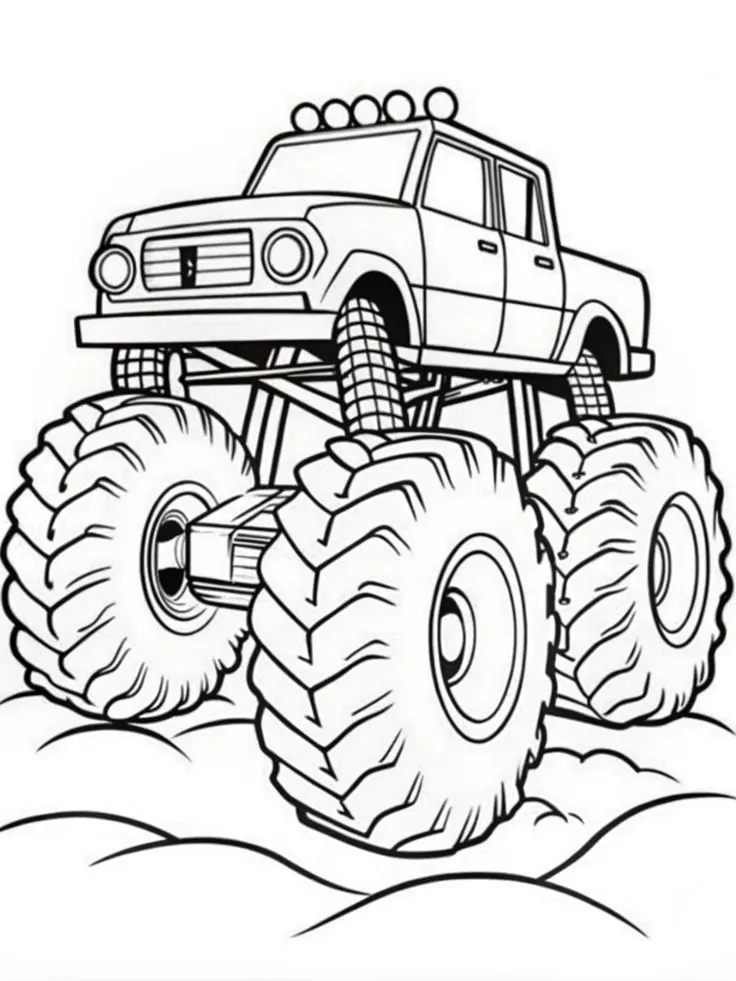
Monster Pickup Truck on Bumpy Ground Coloring Page
Color a towering monster pickup truck with giant treaded tires, exposed suspension, five roof lights, and rounded bumps…
View printable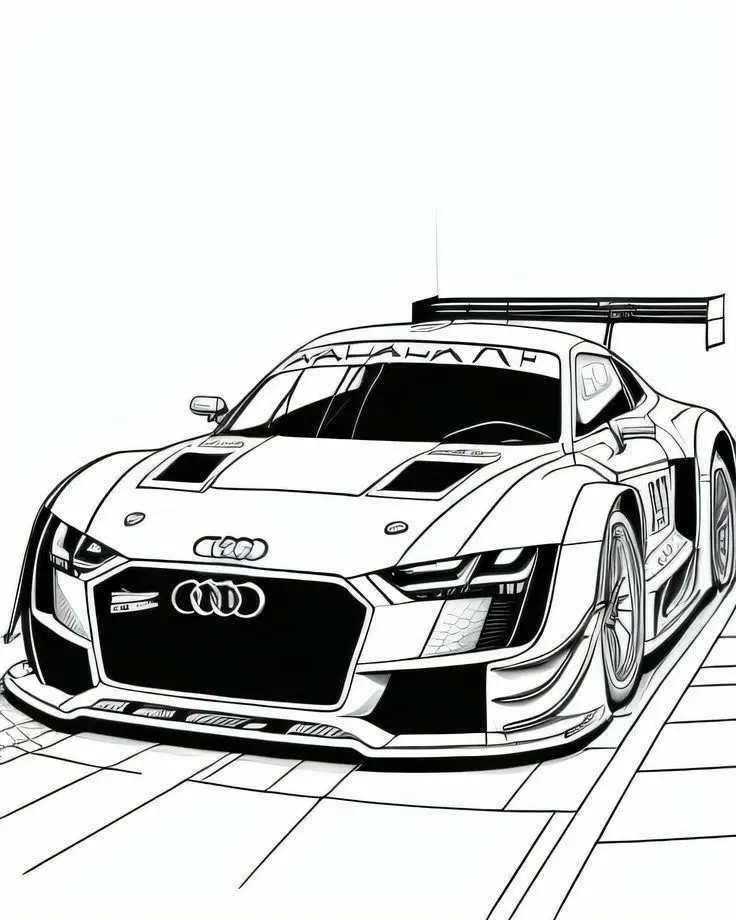
Audi Race Car with Rear Wing Coloring Page
Bring an Audi race car illustration to life with color. Explore its large rear wing, broad front grille,…
View printable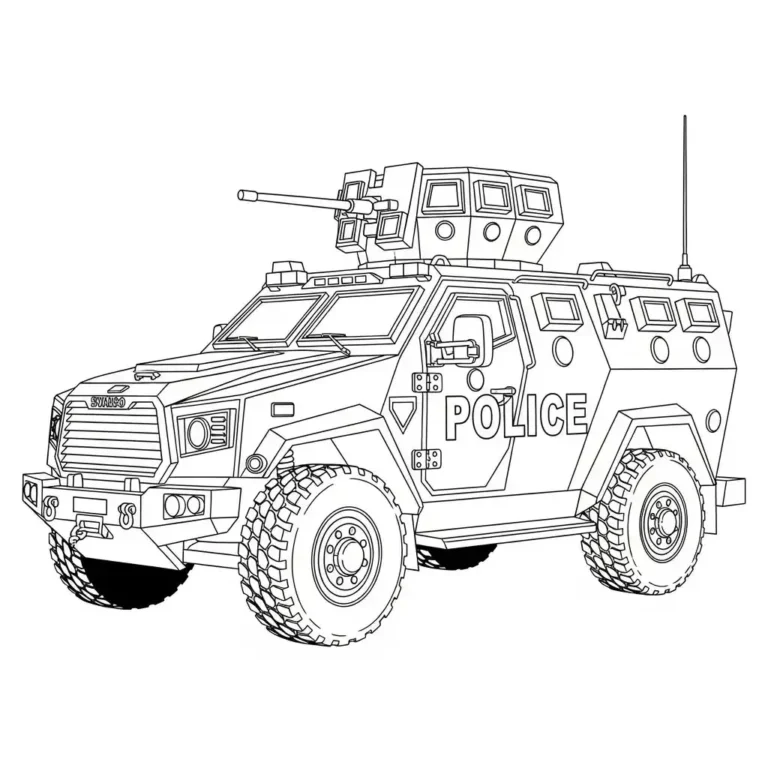
Armored Police Truck Coloring Page
Color a detailed armored police truck with large treaded tires, reinforced windows, a roof-mounted turret, and bold POLICE…
View printable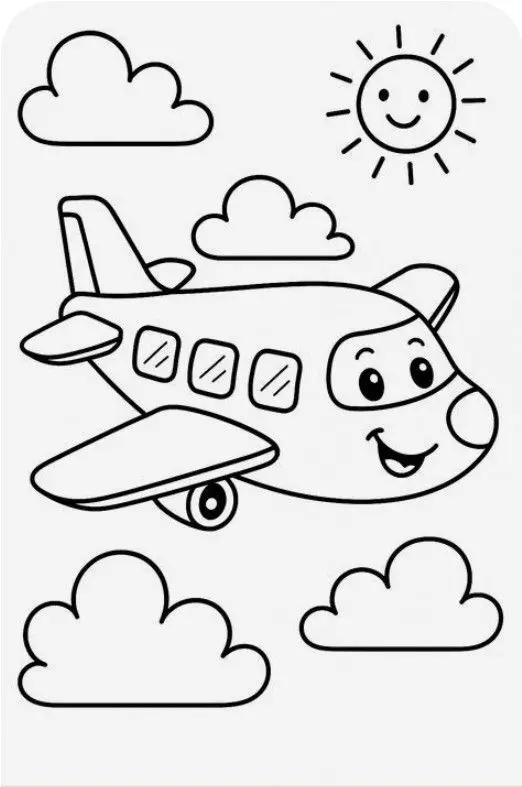
Smiling Airplane with Clouds and Sun Coloring Page
Color a cheerful cartoon airplane flying among four fluffy clouds beneath a smiling sun. Bold outlines and spacious…
View printable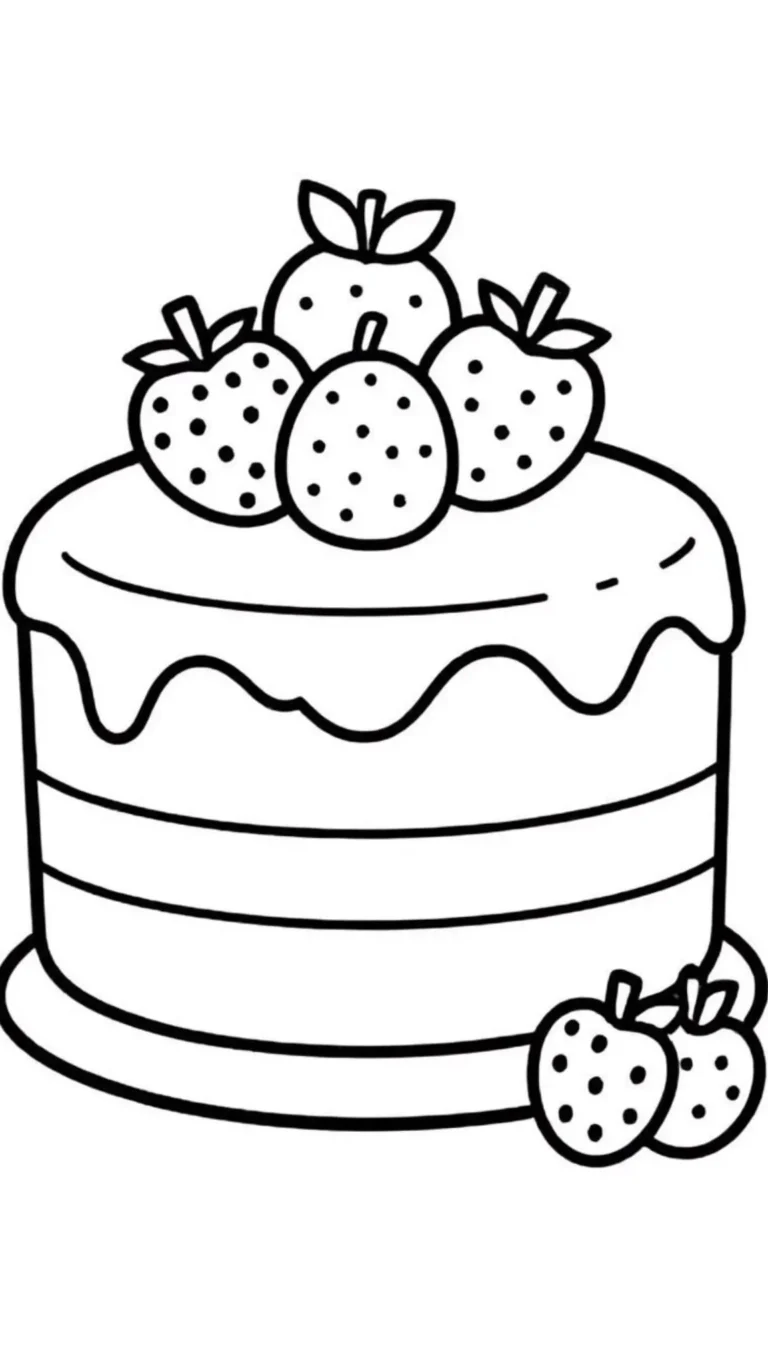
Strawberry Layer Cake Coloring Page
Decorate a strawberry layer cake with your own colors. Thick outlines define the dripping icing, horizontal layers, berry…
View printable
Cute Kitten in a Donut Coloring Page
Color a wide-eyed kitten sitting inside a large iced donut. Sprinkles, tiny paw pads, whiskers, and floating hearts…
View printable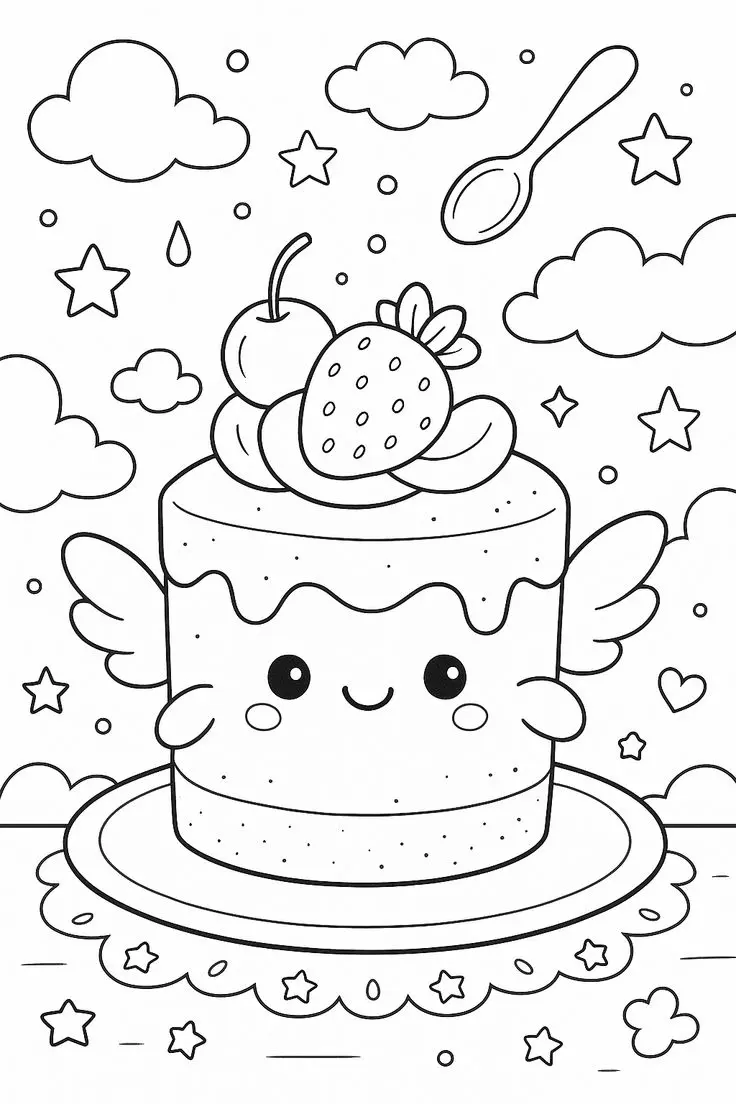
Winged Strawberry Cake Coloring Page
Explore a whimsical cake coloring page with little wings, a smiling face, strawberry and cherry toppings, floating clouds,…
View printableExplore this butterfly above flowers coloring page
The smiling butterfly spreads its patterned wings above grass and flowers. A bow sits between the curled antennae, and bands cross the lower body. Flowers surround the butterfly, with clouds above and stems and leaves near the bottom. The original site name remains visible below the illustration.
Before starting, look at the whole illustration and decide which part to color first. The main outline is easy to find, but the smaller spaces reward a closer look. A child can point to a favorite detail and choose just that area for today. There is no requirement to fill every white space or finish the page in one sitting.
For a useful comparison, choose two pencils and test them on spare paper. A light layer can leave the printed outlines clear; pressing harder produces a deeper shade. Try the light layer first and add more color gradually. If two areas touch, contrasting shades can make their separate outlines easier to follow.
Use the picture as a prompt for a conversation. Ask which line is curved, which space is broad and which part would be easier to reach with a pencil tip. Take turns describing a detail and finding it in the picture. There is no single correct way to respond: pointing, naming a color or simply continuing to draw all work.
If the child wants to add a pattern, try a few dots or short strokes on a spare sheet before adding them inside the existing outlines. Keep the printed facial details visible. A second color can be used as an accent, or parts can remain uncolored. Place the finished page beside the original to see how the chosen colors change its appearance.
Coloring and activity ideas
Choose a color plan
Try matching colors in the corresponding shapes on each side of the wings. Use one shade for the larger outer spaces and another for the smaller oval or teardrop shapes. Alternatively, make each wing different and compare the two designs when finished.
Work with the outlines
Choose colors for the bow and the striped body before moving down to the flowers. Repeating the bow color in a flower center can connect separate parts of the composition. A pencil is useful around the narrow antennae, petals and leaves, while a crayon can fill a wider wing section.
Look closely at the shapes
Follow a wing edge from the top toward the lower wing. Then look across the butterfly for a similar shape. Compare the flowers around the character with the flowers on stems, and count the visible blooms by pointing to each one rather than assuming a total.
Make a story or a pattern
Make up a story about the butterfly visiting the flowers. The picture shows the character above the flowers, but what happens next is up to the storyteller. A child could add an imagined path through the air on a separate sheet or draw an invented garden beyond the original picture.
Save and print your picture
Download the original WebP image, or choose the print button. If a button is unavailable, open the full-size image and use the browser’s save or print command. Choose portrait orientation and A4 or US Letter paper, then select fit to page. Review the preview to keep the entire image and its source markings visible.
The source measures 417 × 696 pixels. A printer may leave margins because the image and paper have different proportions. Preserve the aspect ratio rather than stretching it. Enlarging a small image cannot add detail and may make outlines softer; a smaller print may appear sharper. Print one test copy and adjust the scale if needed.
Ordinary printer paper is suitable for pencils and crayons. Test markers on spare paper and place a protective sheet under the page if ink passes through. Check that thicker paper is supported by your printer before loading it. The site’s image-only print function depends on its installed printing tool.
For another picture, explore the farm animals by a barn coloring page or browse the coloring pages collection. Compare the outlines and choose the next subject that interests your child.
Questions about this picture
What file does the download provide?
The original file is a WebP image measuring 417 × 696 pixels. It is not a PDF.
How can I print the full picture?
Select portrait orientation and fit to page on A4 or US Letter paper. Check the preview for the complete picture and source marks.
What if the print button does not work?
Open the full-size image and use your browser’s print command. You can also save the image from that view.
Which coloring tools can I use?
Crayons cover broad areas, while colored pencils offer control in smaller spaces. Test markers on spare paper first.